 07
07
FiveM vehicle
FiveM vehicle category
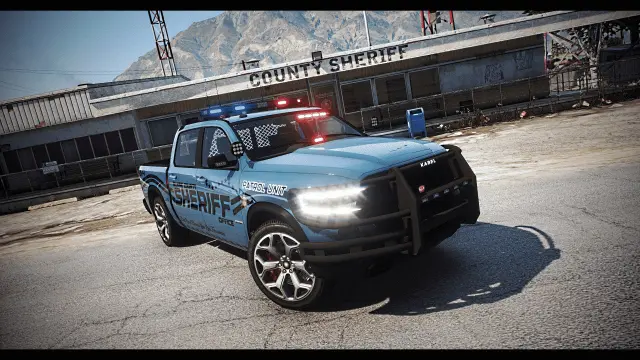
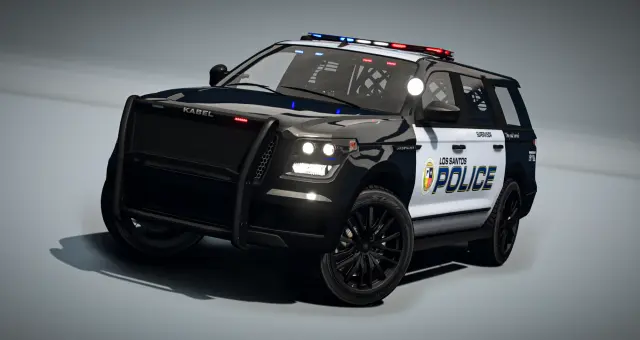
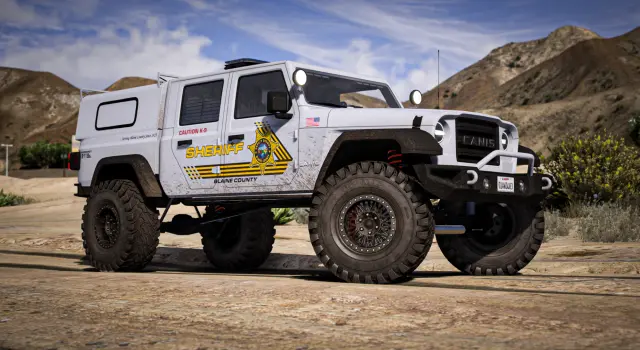
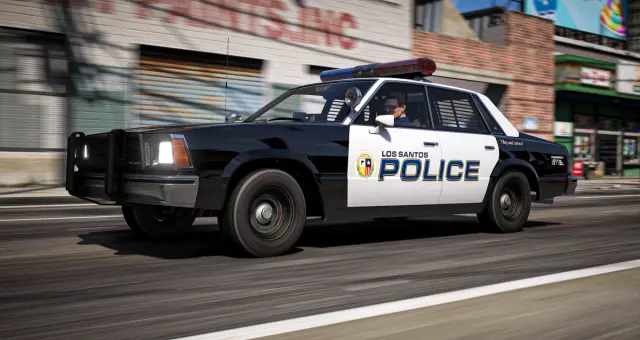
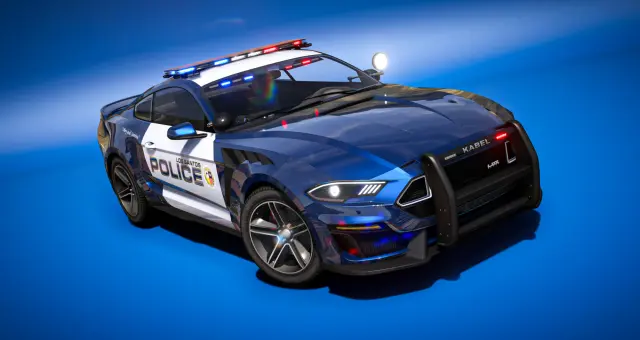
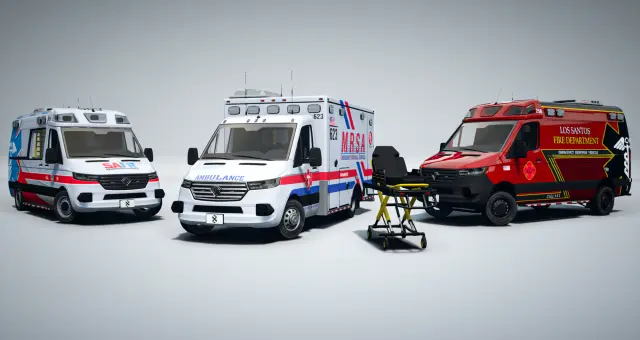
Emergency vehicles are operational tools before they are showroom pieces. Plan patrol, medical, rescue, utility and air roles as one response system, then test every light, seat, door, livery and job restriction through a real shift.
Available now
07
 29
29
 41
41
 18
18
 60
60
 21
21
 96
96
 13
13
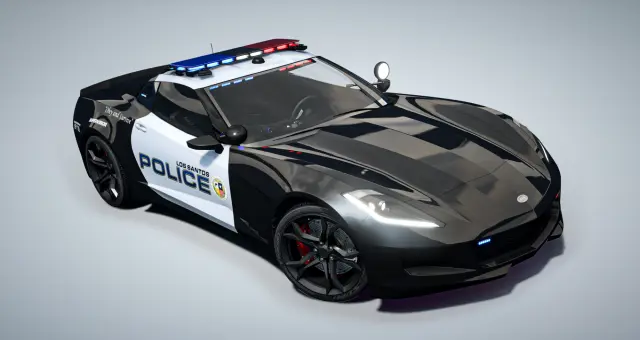
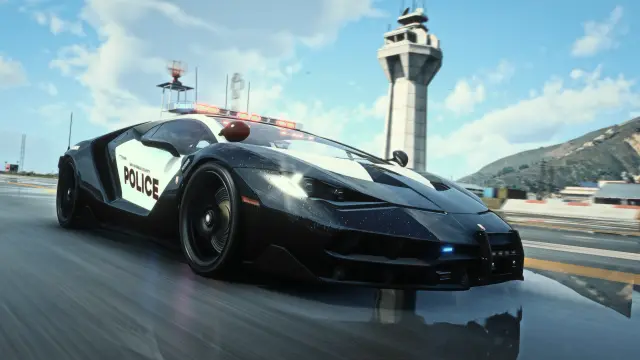
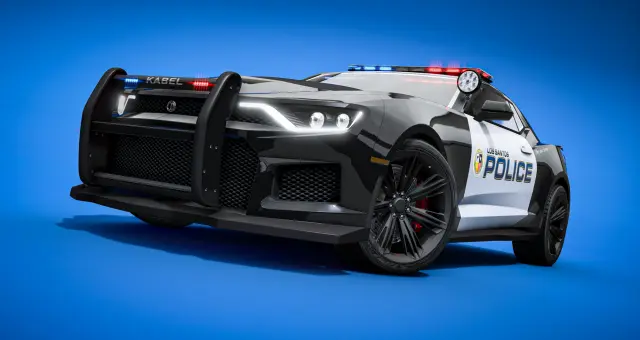
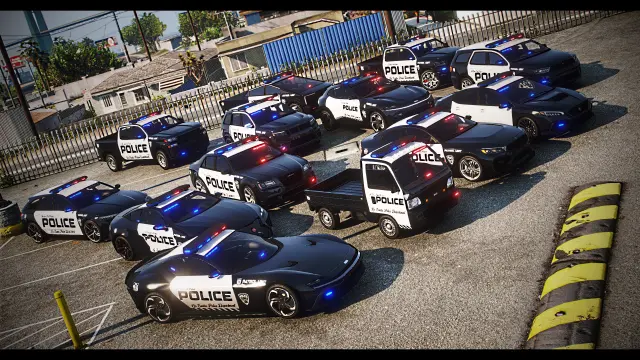
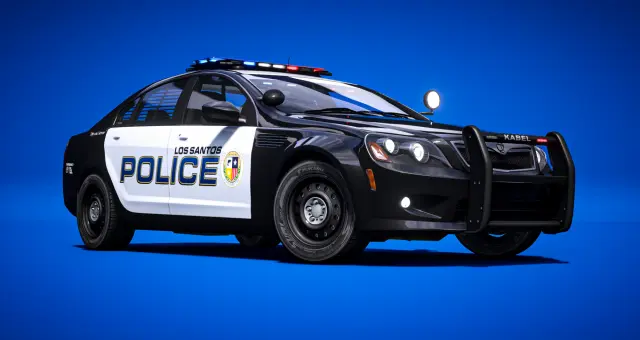
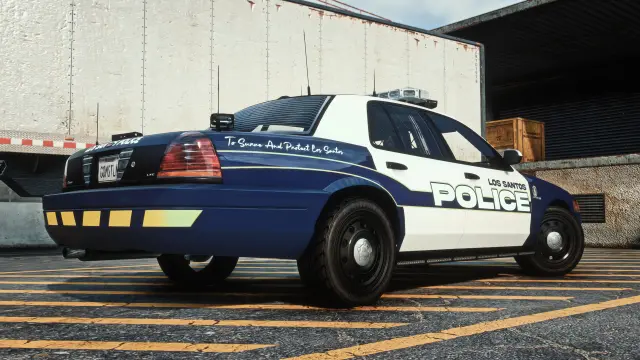
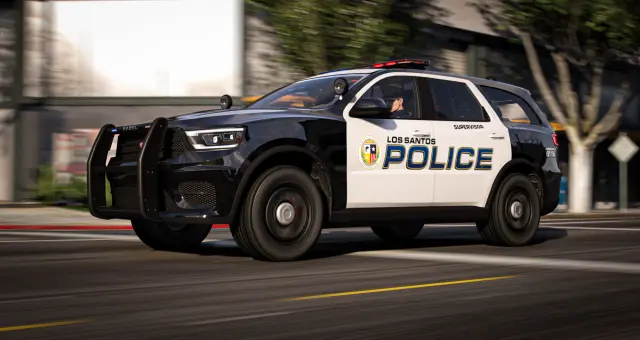
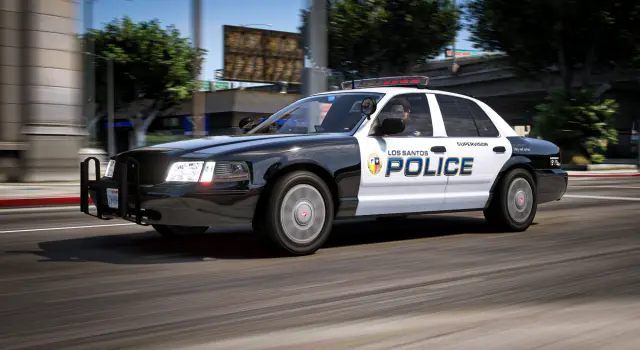
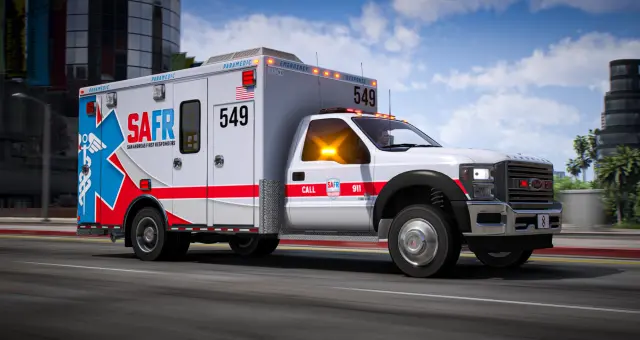
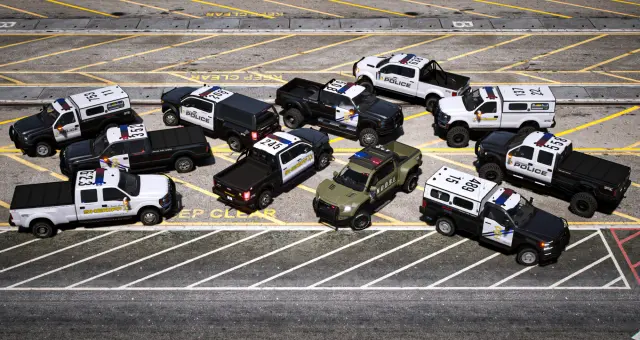
A scratch-made Invetero Coquette D9 reworked into a lore-friendly Non-ELS pursuit interceptor for FiveM. One supercar becomes LEO, EMS, DOC, Federal, Unmarked or Decommissioned units that match your wider fleet.
 37
37
 08
08
 12
12
 52
52
 17
17
 91
91
 51
51
 33
33
 19
19
 34
34
 26
26
 26
26
 38
38
 05
05
 91
91
 45
45
Police, EMS, rescue and air units meet at the same scenes, so their fleet decisions affect each other. A major collision may need patrol traffic control, a medical transport, a supervisor, a recovery vehicle and air support. Building those roles together exposes gaps that separate department shopping lists miss.
The Emergency Fleet category overlaps heavily with the Police and EMS collections because it is the combined planning view. Use it when you are standardizing several departments or replacing a mixed motor pool. If you only need one ambulance or one patrol car, the narrower category may be faster.
Begin with the units your server can field every day. General police patrol and a dependable ambulance usually matter more than specialist equipment. Add supervisor, rural, transport, fire or rescue capacity around real call types. Add helicopters only when trained staff, dispatch policy and safe landing locations exist. An impressive vehicle with no staffed role becomes command-menu clutter.
Write an access matrix before deployment: department, rank, station, approved livery, equipment options and replacement cost. This keeps one highly configurable base model from exposing federal, corrections, medical and unmarked setups to every employee.
Job vehicles do not need a public sticker price, but they still need economic weight. Repair bills, department budgets, replacement cooldowns or supervisor approval can discourage disposable driving. The system should punish carelessness without keeping an understaffed department offline after one bad scene.
Performance also needs limits. General patrol units should manage normal pursuits, specialist interceptors should be restricted, and ambulances or rescue trucks should prioritize stability over speed. Test braking and collision recovery with a full crew, not only empty acceleration.
The streamed models generally work across ESX, QBCore and Qbox. Job grades, garages, keys, dispatch, fuel, society funds, inventory, stretcher systems and impound behavior come from the surrounding framework resources. Product pages should be checked for model-specific controllers and game-build requirements.
Register spawn codes by station and rank rather than placing the whole category into one shared menu. Keep configuration in version control where possible, and document any common resource that several vehicle packs depend on.
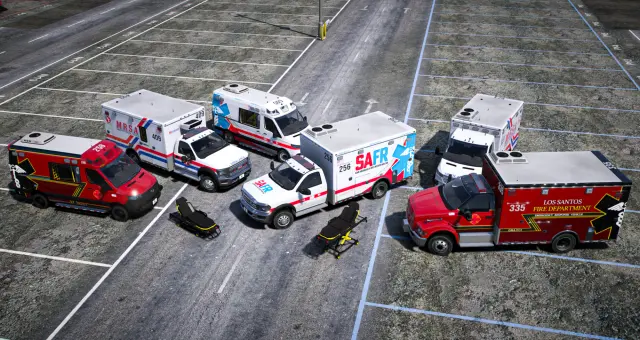
Test with at least two clients and, ideally, representatives from each job. Dispatch a call, spawn units from their normal garages, operate lights and sirens, load passengers or patients, use the relevant equipment, damage and repair vehicles, then store and retrieve them after a restart. Check every action from another player's view. A coordinated emergency fleet is ready when the whole scene works, not when each vehicle passes a separate spawn test.
Questions about Emergency Fleet
Police Vehicles focuses on law-enforcement units. Emergency Fleet is the combined planning category for police, EMS, rescue, utility and air assets that need to work together at shared scenes.
The models generally do, while job grades, garages, keys, dispatch, inventory and medical interactions come from framework-specific resources. Check each product for additional controllers or build requirements.
Many police and medical listings are described as non-ELS, but the exact lighting setup varies. Verify each product and standardize controls before combining vehicles in one department fleet.
Create an access matrix covering department, grade, station, livery and approved equipment. Add only the appropriate spawn codes and configurations to each job garage rather than exposing the entire fleet.
Not automatically. Doors, interiors or animated equipment are vehicle features; patient treatment, stretchers and hospital workflows may depend on separate scripts. Confirm compatibility with the EMS resources you use.
Recreate a large multi-unit scene with lighting active, several liveries loaded and multiple players nearby. Watch client frame rate and synchronization, then complete storage and restart tests for the configured units.