 63
63
FiveM vehicle category
FiveM Trucks That Give Jobs Something to Drive
Trucks connect vehicles to work. Choose pickups, rollbacks, delivery bodies and heavy utility builds around real server jobs, then verify that the equipment players expect is functional rather than decorative.
Available now
Vehicles in Trucks
63
 15
15
 16
16
 28
28
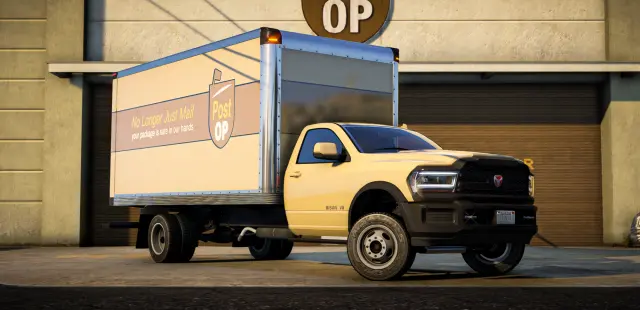 75
75
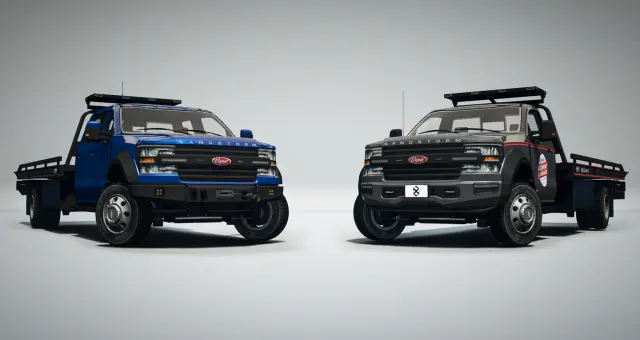 68
68
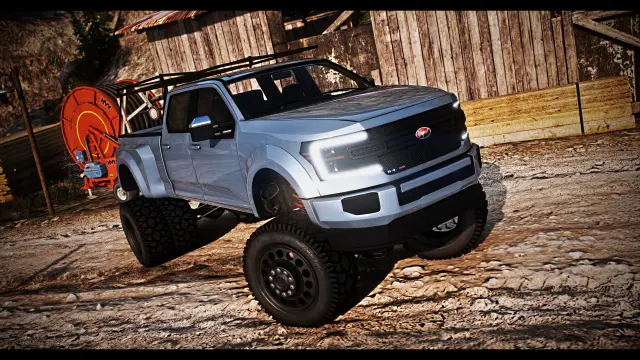 14
14
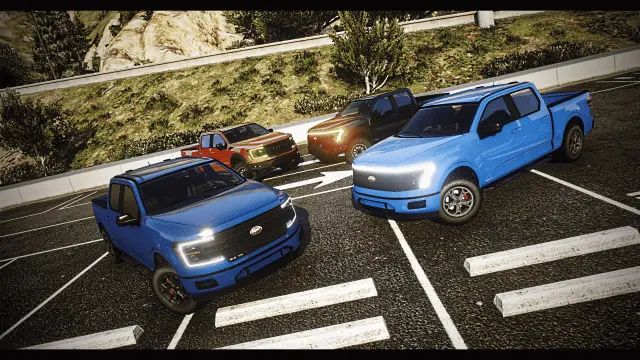 16
16
FiveM vehicle
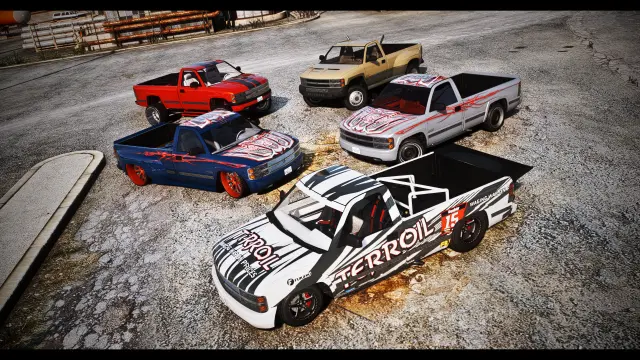
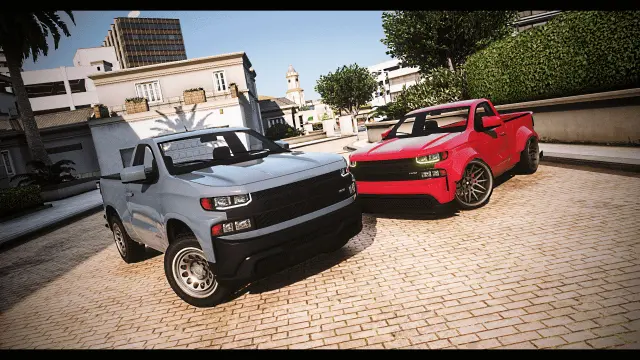
Vapid Sadler LT Pack
 81
81
 25
25
FiveM vehicle
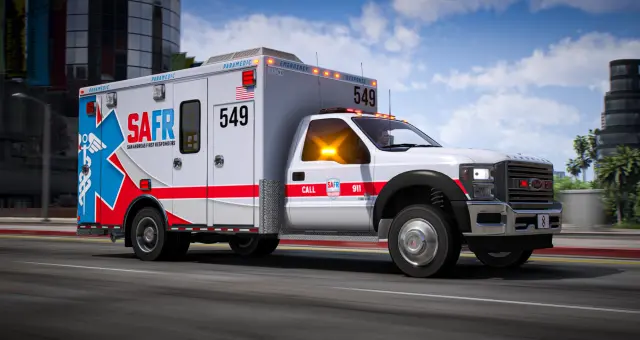
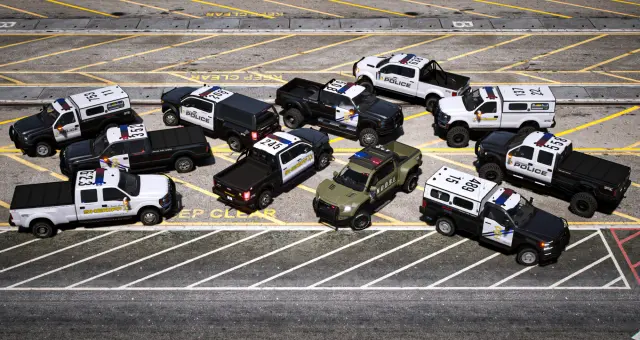
Declasse Yosemite Singlecab Pack
 91
91
 45
45
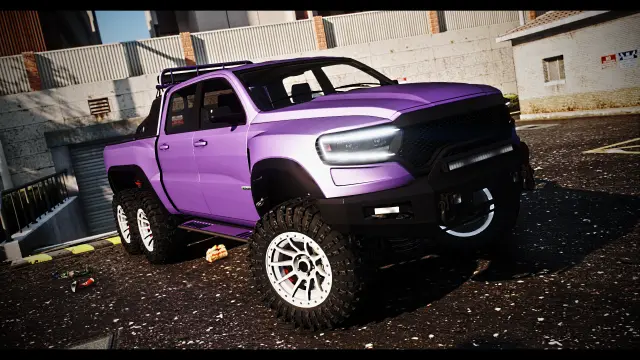 83
83
FiveM vehicle
Bravado Bison Colossal XL
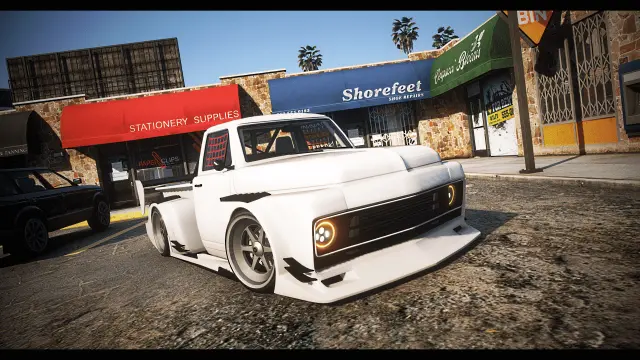 43
43
FiveM vehicle
Vapid Slamvan CTX Pack
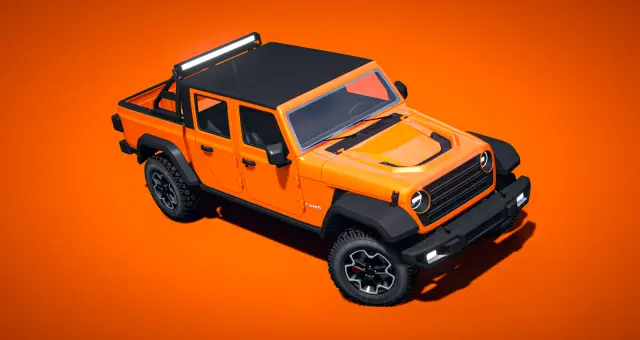 79
79
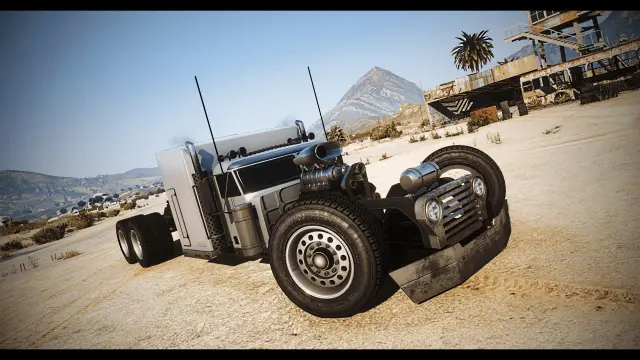 36
36
FiveM vehicle
JoBuilt Phantom ROD
 64
64
 22
22
 44
44
 20
20
FiveM vehicle
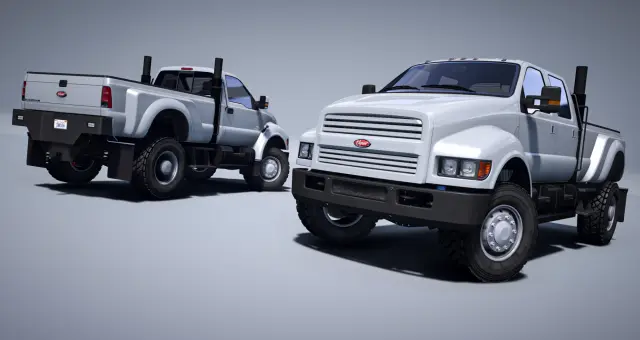
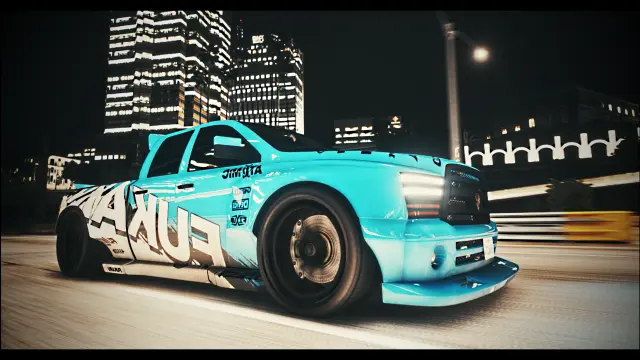
Vapid Hustler F1-23 ROD
 48
48
 61
61
FiveM vehicle
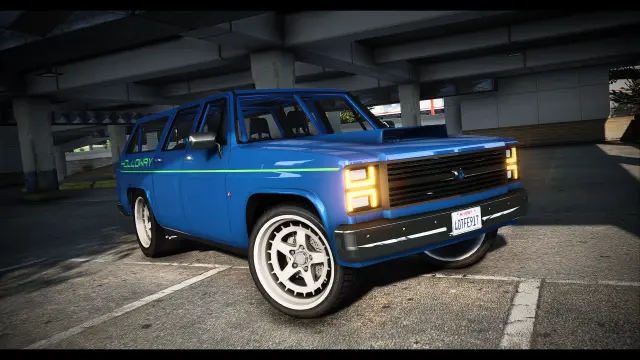
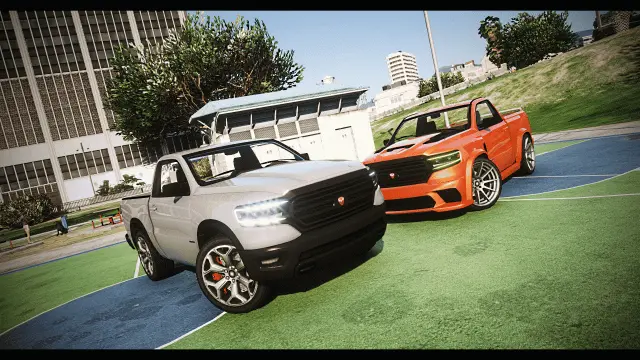
Bravado Bison SFU
 54
54
 24
24
FiveM vehicle
Bravado Bison Singlecab Pack
Start from the job loop
A truck should answer a practical question. What is the player carrying, towing, repairing or responding to, and where does the route take them? A pickup works for ranch and contractor roleplay. A box truck fits delivery and warehouse loops. A rollback belongs in towing and roadside recovery. Lifted and overland trucks support rural travel, while emergency versions cover ambulance, sheriff and specialist response roles.
Choose the job first because the model alone does not create functionality. A detailed cargo body does not automatically provide inventory. A tow hitch does not guarantee compatibility with your trailer or towing script. An animated rollback needs controls and synchronization that work for everyone at the scene. Treat every advertised working feature as something to test with your actual resources.
What makes a useful FiveM truck
- Correct scale and seating. Check cabin access, seat count, wheelbase and whether the truck fits the yards, garages and streets on your map.
- Functional equipment. Test tow beds, hitches, plows, doors, ramps, trailers and moving parts through a complete attach, drive and detach cycle.
- Job-script integration. Confirm the spawn code and entity type expected by your delivery, towing, fuel, keys and inventory resources.
- Handling under load. A work truck should feel heavier than a sports car without becoming frustrating. Test braking, turning radius, hill starts and trailer stability.
- Customization with a purpose. Toolboxes, racks, utility beds, liveries and warning lights can separate company fleets and job ranks if your menu exposes them reliably.
- Streaming cost. Trucks can carry detailed frames, beds and equipment. Review LOD and file information where published, then test a busy yard with several variants.
Connect the vehicle to the economy
A truck is a strong progression tool because access can follow the work. Let a new delivery driver rent or borrow a basic vehicle. Allow established players to buy a personal work truck. Reserve specialized rollback, heavy-duty or emergency variants for businesses and jobs that can use them. This makes the upgrade solve a problem rather than simply adding speed.
Set running costs around the role. Larger vehicles can use more fuel, require higher repair prices or need a commercial licence if your scripts support those systems. Balance cargo rewards against route time and risk, not against the purchase price alone. If the truck has no actual cargo or towing integration, do not price it as though the screenshots provide those mechanics.
Installation and framework compatibility
A normal add-on truck can run on ESX, QBCore, Qbox or a standalone server. Framework integration is the configuration work around it: vehicle shops, owned-vehicle tables, job garages, keys, fuel, inventory and dispatch. Features such as scripted towing or lighting may have separate dependencies, so check the product page before planning a workflow.
Place the resource in resources, start it through server.cfg, and add its spawn code and display label to the relevant systems. Keep supplied handling and variation files with the resource unless its instructions say otherwise. Test for duplicate model, handling and modkit names when combining several packs.
Run a working-shift test
Do not approve a truck after a short drive around the dealership. Run the job. Spawn it from the correct garage, load or attach what the role uses, complete the route, refuel, damage and repair it, store it, restart, then retrieve it. Include tight alleys, highway speeds and rough ground where relevant. That shift exposes turning, collision, synchronization and persistence problems before players build a business around the vehicle.
Questions about Trucks
Quick answers
01What kinds of FiveM trucks are in this category?+
The catalog includes civilian pickups, lifted and off-road builds, box and delivery trucks, rollback tow vehicles, utility rigs and emergency variants. Check each listing for exact models and working features.
02Does a tow truck automatically work with my towing script?+
No. The model may provide an animated bed or hitch, while your script controls attachment, winching and job logic. Verify the expected entity and controls with the exact towing resource you run.
03Do these trucks work with ESX, QBCore and Qbox?+
Standard vehicle models normally work with any framework. You still need to configure the spawn code in your job garage, dealership, keys, fuel, inventory and owned-vehicle systems.
04Do box trucks include usable cargo inventory?+
Not unless the listing specifically includes that system. A cargo body and visible slots are model features; storage capacity, delivery missions and item handling usually come from separate scripts.
05How should I balance work trucks in my economy?+
Price and restrict them according to the job they unlock, their capacity, running costs and specialist equipment. Rentals or job-owned basics can serve new players while personal heavy-duty vehicles become progression.
06How do I test a truck before adding it to production?+
Complete a real job route with its trailer or equipment, including tight turns, hills, highway travel, storage and restart persistence. Test moving parts and synchronization with another player present.