 87
87
FiveM vehicle
FiveM vehicle category
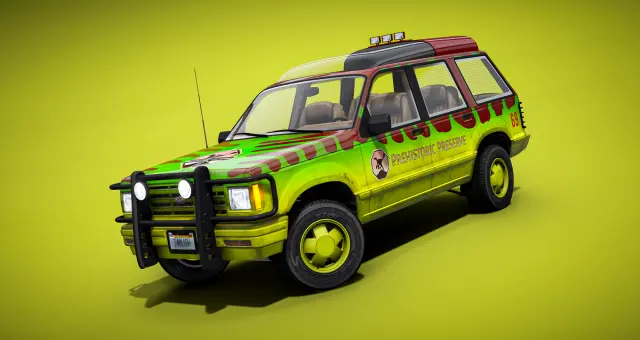
SUVs do the quiet work in a believable FiveM fleet. They can serve new families, premium buyers, police supervisors and rural crews without forcing every role into a sports car or full-size truck.
Available now
87
 98
98
 03
03
 59
59
 68
68
 15
15
 38
38
 57
57
 57
57
 45
45
 32
32
 77
77
 31
31
 60
60
 01
01
 89
89
 33
33
 85
85
 79
79
 07
07
 58
58
 57
57
 64
64
 29
29
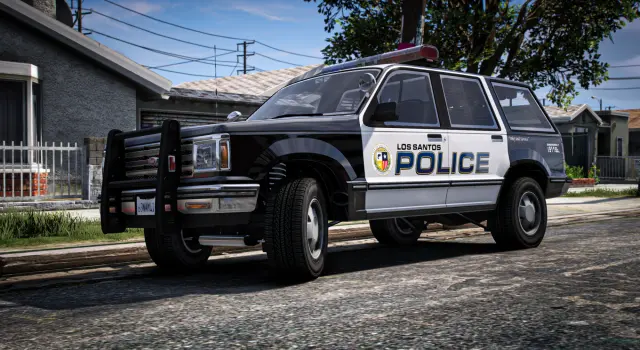
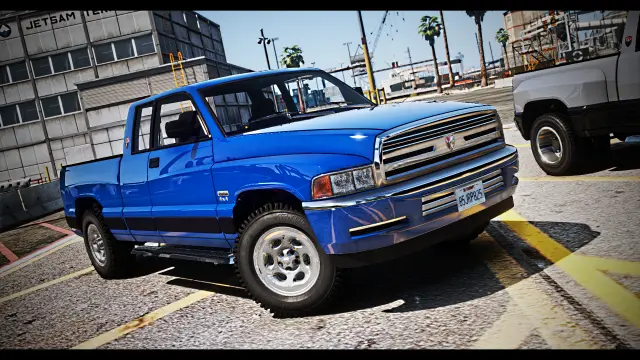
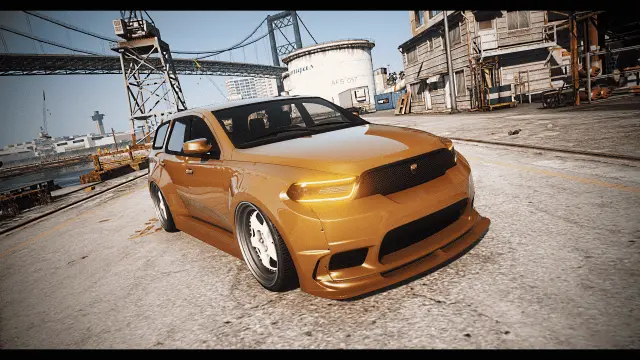
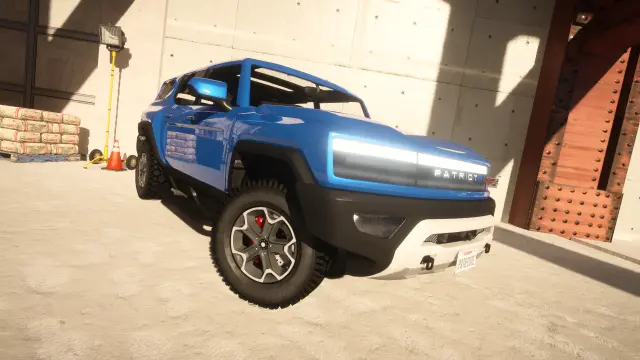
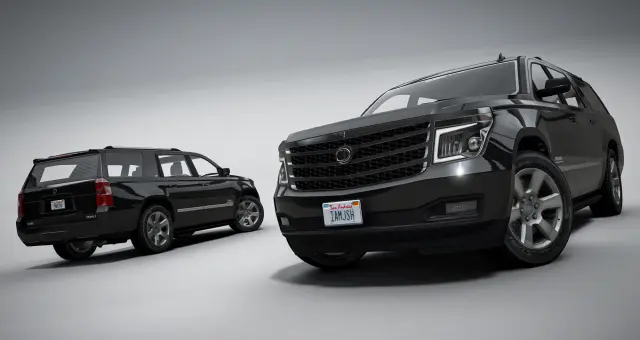
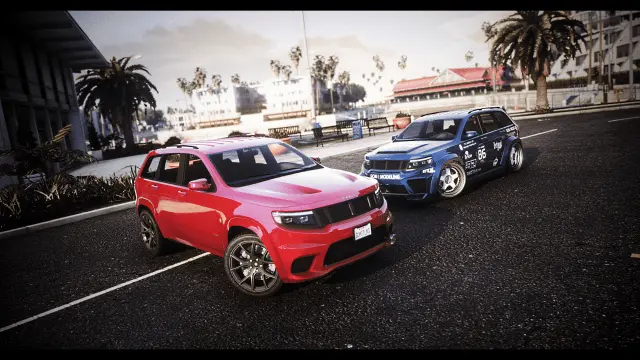
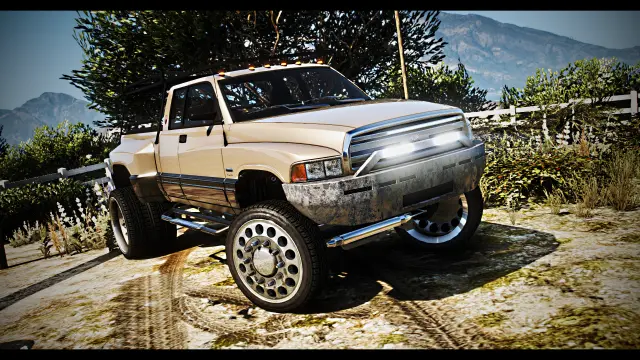
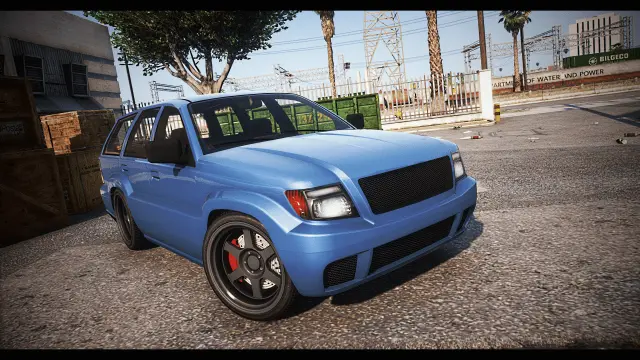
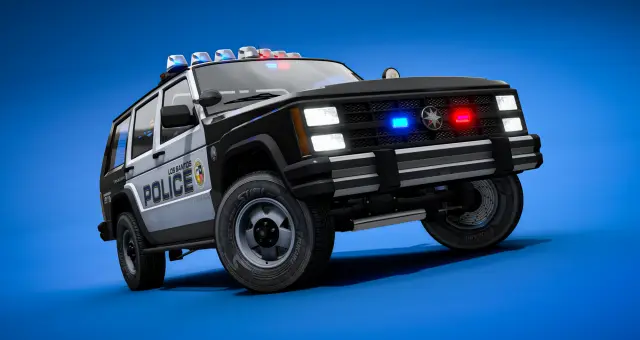
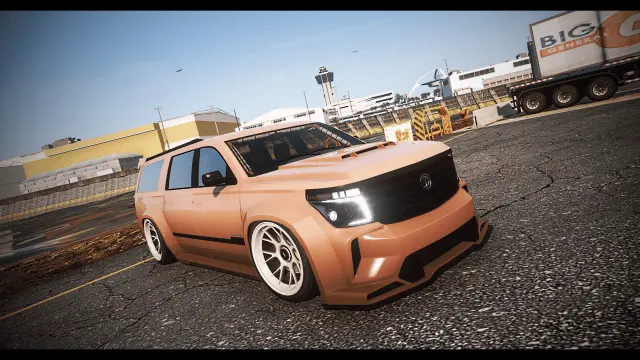
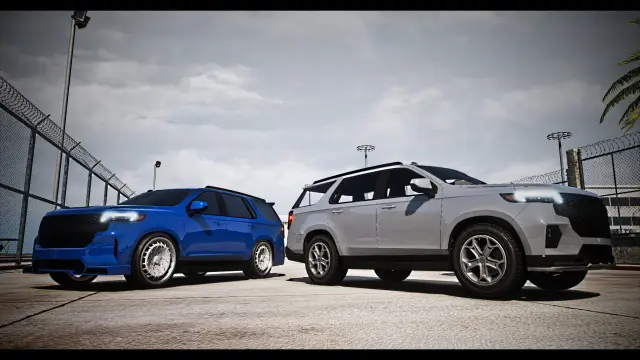
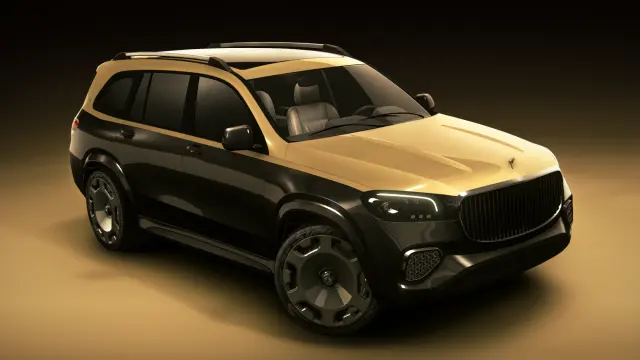
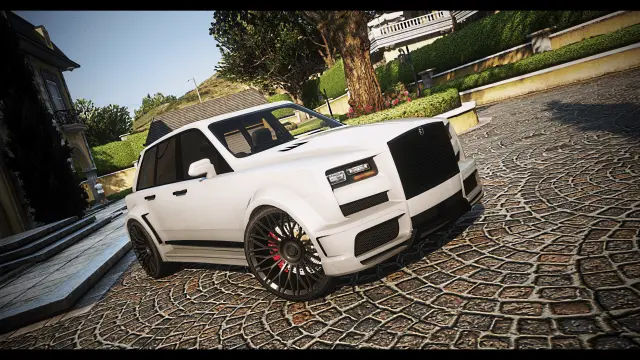
SUVs sit between several categories, which is exactly why they are useful. A basic model can be a family or starter vehicle. A larger premium SUV gives established players a practical upgrade. An overland build reaches rural jobs, while a police version gives a department capacity without moving to a heavy truck. One body style can appear in civilian and emergency roles without the city feeling like two unrelated mod lists.
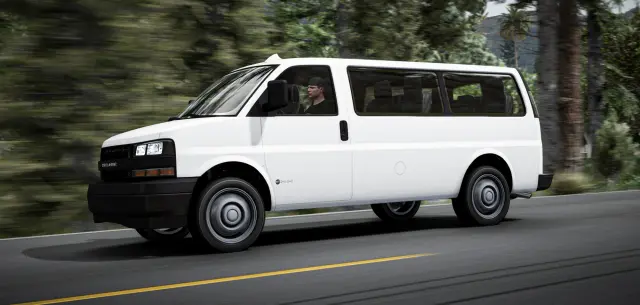
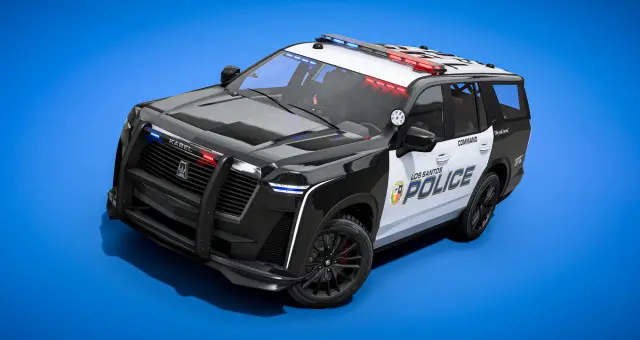
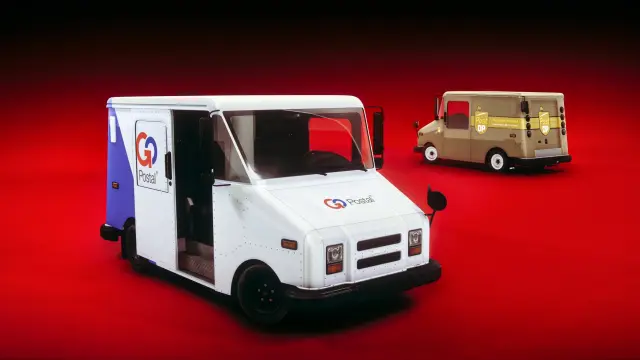
The collection includes civilian packs, modern and classic shapes, overland variants and non-ELS emergency models. Do not assume every product has the same drivetrain, seat count or intended use because it shares the SUV label. Read the listing and decide which part of your economy or job fleet it belongs to.
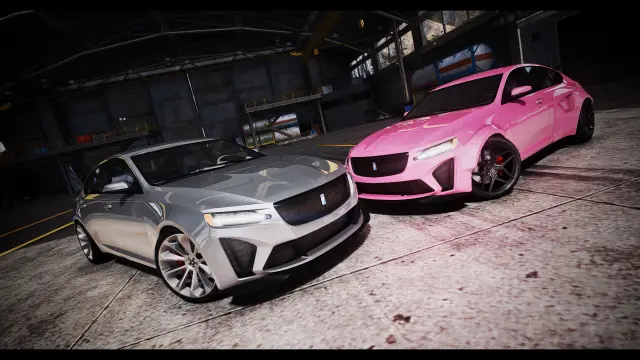
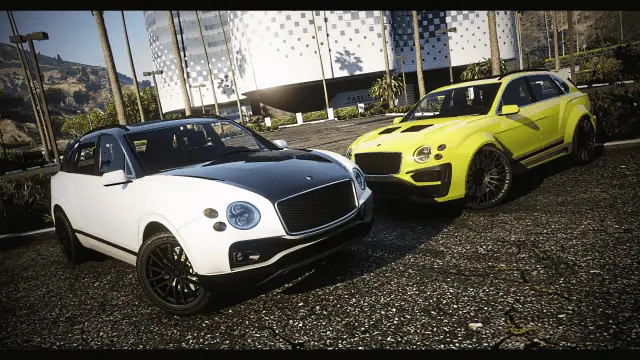
A good SUV lineup does not need every model to be fast. Start with an affordable everyday option that seats the number of players your common groups need. Add a work or rural tier with suitable clearance and utility styling. Keep premium and performance-oriented models above those, priced for comfort, customization and identity as well as speed.
Think about who buys each tier. Families and crews value seats. Business owners may want a clean premium model. Rangers and rural characters need ground clearance. Collectors may want a classic design that is slower but distinctive. Those differences create a healthier dealership than ranking the page only by top speed.
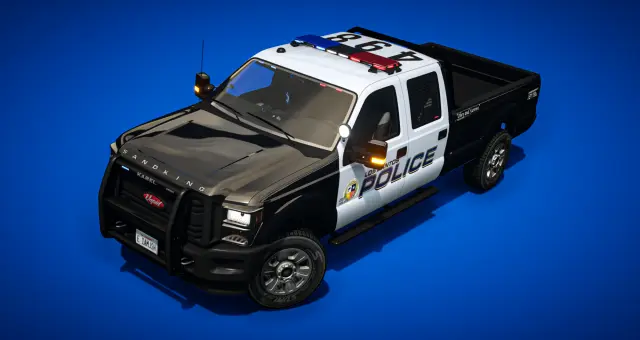
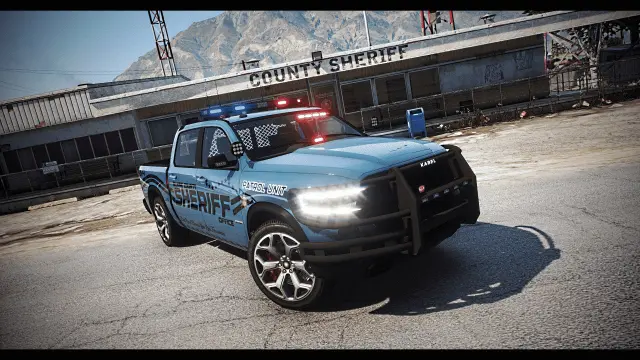
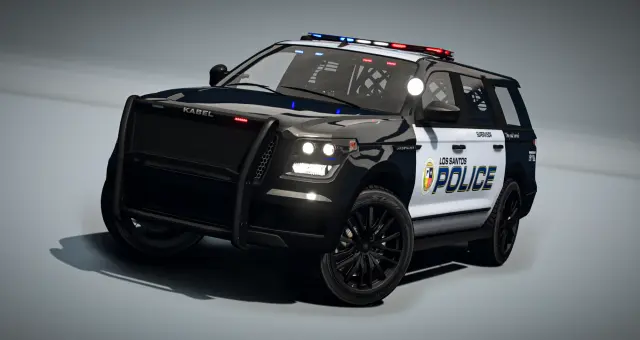
When the same vehicle family has public and police variants, use that relationship deliberately. The police model can gain equipment, braking or modest performance without turning into a supercar. Civilian players still recognize the platform, while officers gain the visibility and utility their job requires.
Separate spawn codes and approved configurations in your database. A civilian dealership should not expose police extras, and a job garage should not hand officers every possible bodykit. Test callsigns, liveries and lighting on emergency listings as their own workflow rather than assuming the civilian version proves them.
Standard add-on SUVs generally run on ESX, QBCore, Qbox and standalone servers. Add the resource to resources, start it in server.cfg, then register the spawn code, label, price, class and trunk capacity in your dealership and garage systems. Emergency or scripted features can carry additional requirements shown on the product page.
Test the whole use case. Fill the seats, load the configured trunk, drive city streets and rougher routes, modify the vehicle, store it, restart and retrieve it. For fleet packs, repeat with several distinct models nearby. The right SUV is not simply the largest vehicle in the showroom; it is the one that makes a common server role easier to play.
Questions about SUVs
The category includes everyday civilian SUVs, premium and classic designs, overland builds, vehicle packs and non-ELS police variants. Exact seats, tuning and features vary by listing.
Standard add-on SUV resources normally work with any framework. Configure the spawn code, price, label, trunk size and access rules in your own dealership, garage and job systems.
Create tiers around use, seating, customization and measured performance. Keep an accessible daily option, practical work or rural models, and a smaller premium tier rather than pricing every large vehicle as luxury.
No. The model provides the visible vehicle, while trunk capacity usually comes from your framework or inventory resource. Set and test that value separately.
Several police listings are described as non-ELS, but you should check the exact product for lighting dependencies and game-build requirements. Test all stages, extras and liveries before assigning it to a job garage.
Drive the vehicle through emergency turns, curbs, braking, slopes and the rough routes it is expected to use. Test it with passengers and configured equipment, then complete a storage and restart cycle.