 16
16
FiveM vehicle
FiveM vehicle category
Utility vehicles make civilian jobs visible in the world. Choose vans, delivery bodies, tow trucks and service builds around the work players perform, and separate functional features from equipment that is only part of the model.
Available now
16
 91
91
 83
83
 44
44
 61
61
 54
54
 24
24
 47
47
 04
04
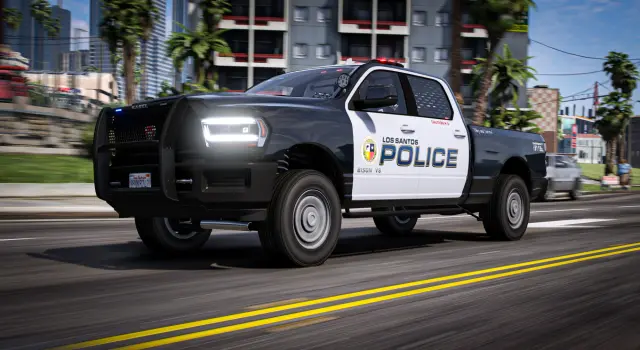
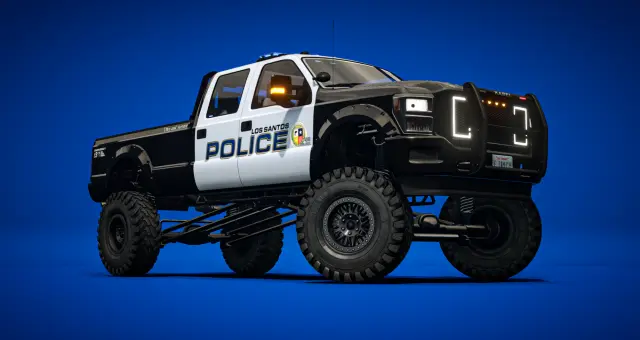
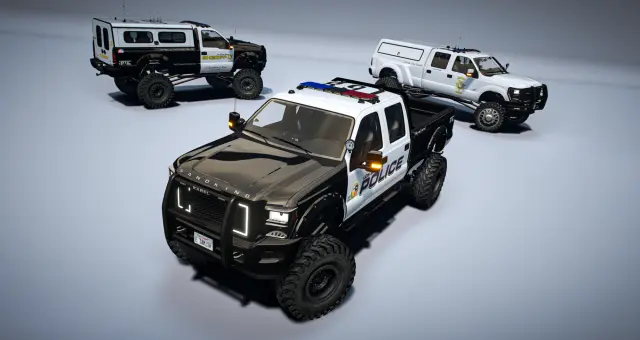
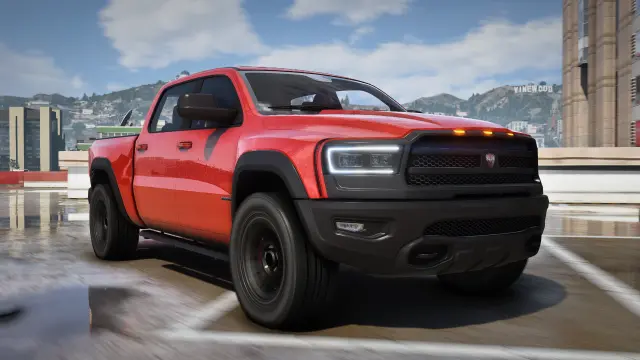
The ONX Vapid Sandking is a scratch-made Non-ELS FiveM police truck based on the D155 Compensator, with 200+ tuning parts and a colorable callsign system. A lore-friendly Special Pursuit unit that ties your motor pool together.
 54
54
 02
02
 88
88
 27
27
 75
75
A city can have excellent sports cars and still feel empty if nobody drives the vehicles that keep it running. Delivery drivers, towing companies, contractors, medical crews and municipal workers need a believable motor pool. Vans and utility vehicles put those jobs on the street and give businesses a visual identity that ordinary personal cars cannot.
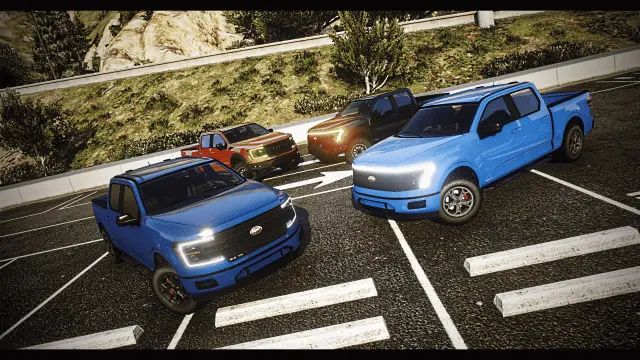
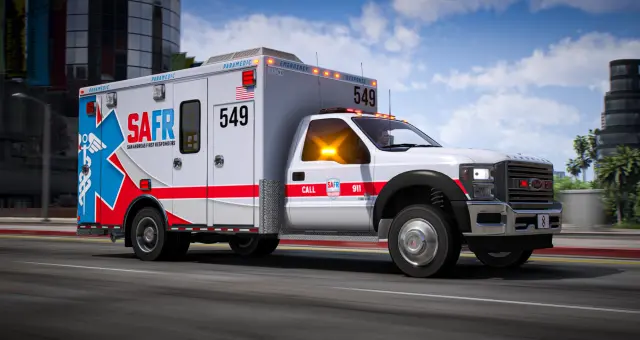
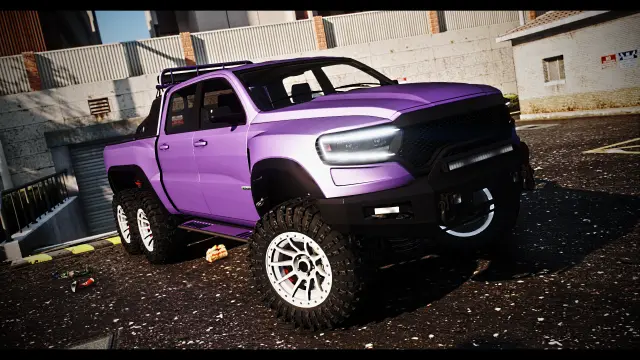
This collection includes pickups, box and delivery trucks, rollback tow vehicles, snow-plow and service variants, ambulances and other work-oriented builds. Some also belong to Trucks, SUVs or Emergency Fleet. Choose from the job requirement, not the category overlap.
The vehicle supplies shape, seats, doors, visible equipment and any animated parts included by its creator. Your scripts supply cargo inventory, delivery checkpoints, winching, invoices, patient treatment and company ownership. A box marked with cargo positions is not automatically an inventory system. A rollback bed does not automatically attach every car. A snow plow does not guarantee a road-clearing mechanic.
Write the job flow first, then verify where the vehicle connects to it. Identify the spawn code, storage type, usable doors, attachment points and expected entity class. If a script requires a bone name or model whitelist, confirm that the new vehicle exposes what it needs.
New workers can begin with job-owned or rental vans. Established employees can unlock larger bodies, more specialized equipment or company liveries. Business owners may purchase personal fleet vehicles and pay their maintenance. This progression is more believable than increasing rewards only because the same route is repeated.
Set cargo capacity and payouts in the job and inventory scripts, then test the full earnings loop. Larger capacity should come with longer routes, higher fuel and repair costs, a licence requirement or greater purchase risk. Do not let a visual upgrade silently become the best money source on the server.
The add-on vehicle resource itself generally works on ESX, QBCore, Qbox or standalone servers. Framework configuration controls jobs, shops, garages, keys, inventory and ownership. A scripted moving part, emergency lighting or towing system may add a separate dependency shown on the listing.
Install the resource under resources, start it in server.cfg, and add the spawn code only to the job or dealership that needs it. Configure display names, prices, trunk values and garage classes. Keep supplied metadata files together unless the documentation instructs you to merge them.
Spawn from the employee garage, collect equipment or cargo, drive the longest route, operate every door or moving part, refuel, repair, store and retrieve the vehicle after a restart. Run a second client to watch attachments and animations. Test the busiest depot layout with several workers present. A utility vehicle is finished when it supports the job from clock-in to clock-out, not when it looks convincing in a product gallery.
Questions about Vans & Utility
The category includes pickups, vans, box and delivery trucks, rollback tow vehicles, plow and service builds, ambulances and other job-focused variants. Exact equipment varies by product.
Usually not. The model provides the vehicle and listed physical features, while cargo, routes, storage and payments come from your job, framework and inventory resources.
Only if the model and script use compatible attachment methods and controls. Test the bed, target vehicle, synchronization and release process with the exact towing resource on your server.
Standard add-on models generally support any framework. Add their spawn codes and job access to your garage, keys, fuel, inventory and owned-vehicle configurations.
Use rentals or job-owned basics for new workers, then unlock capacity, specialist equipment, company liveries or personal ownership. Balance higher earnings against route time, running cost and risk.
Complete a full shift on the real route, including loading, attachments, tight access, refueling, damage, repair, storage and restart persistence. Use another client to verify animated equipment and synchronization.