You bought a Nissan GTR for your server, dropped it in, and now half your players are driving an Adder that handles like a brick and the dealership won’t list it. Welcome to the fivem addon vs replace cars problem - the single most misunderstood choice in vehicle modding. The exact same model can ship two completely different ways, and picking the wrong one gives you conflicts, missing handling, a stream folder the size of a small operating system, or a base car that’s silently broken for everyone. Here’s what each actually does and when to buy which.
What add-on vs replace actually means
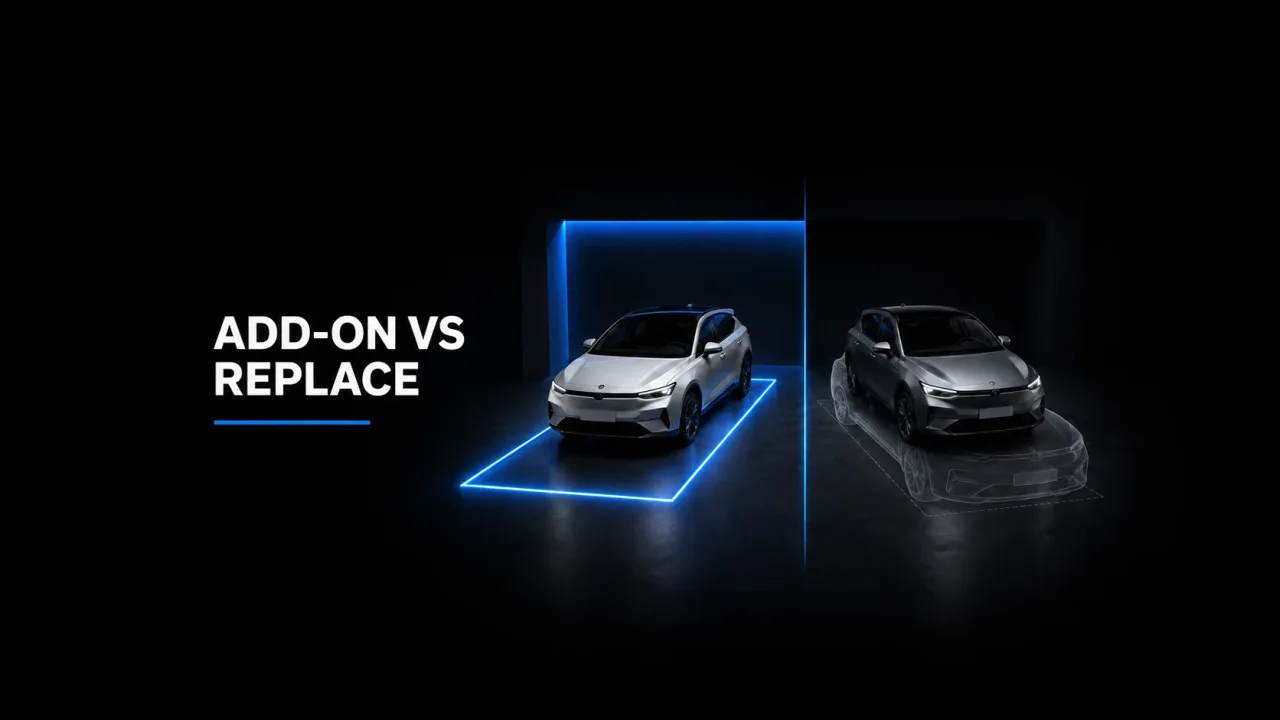
A replace overwrites a base game model. You take a vanilla spawn name like adder or sultanrs and swap its model, textures, and metadata for your custom car. The spawn name never changes - everyone who spawns an Adder now gets your GTR. An add-on introduces a brand-new spawn name (gtr35, customgtr) that didn’t exist before. Nothing vanilla is touched; you’ve added a car to the roster instead of swapping one out. That one distinction - new name vs overwritten name - drives every downstream consequence below.
How each one loads
Both rely on data_file declarations in fxmanifest.lua pointing at the metas, but what those metas do differs:
- Add-ons carry their own everything. The resource ships its own vehicles.meta (new model entry), carvariations.meta, carcols.meta, and handling.meta keyed to the new spawn name. The game reads them as additions. Nothing collides with vanilla because the names are unique.
- Replaces overwrite the base entry. A pure file-replace just drops a .yft/.ytd over the original in a stream folder and inherits the base car’s handling and variations. A “proper” replace also overwrites the base handling.meta line for that model so the car actually drives like the new one - and that’s exactly the step lazy replace packs skip, which is why a replaced supercar so often handles like the economy car it overwrote.
This is the missing-handling trap in one sentence: an add-on can’t have wrong handling because it brought its own; a sloppy replace inherits the base car’s handling.meta and feels nothing like the real thing.
Stream folder bloat with many add-ons
Every add-on is net-new data in your streaming pool. The base game’s 700+ vehicles cost you nothing extra - they’re already on every client. Add 150 add-on cars at 30-60MB each (model, textures, sometimes a custom dials/template set) and you’ve added several gigabytes of resident streaming load on top of the base roster. Replaces are far lighter on the pool because you’re swapping in place - you’re not growing the total vehicle count, just changing which model answers to a name. If you’re stacking add-ons, the same discipline behind streaming assets safely on cfxmods-tebex.io is what keeps you under the streaming ceiling instead of greeting players with texture pop-in and allocation crashes.
Recommended lore-friendly vehicles for your server
The conflicts that bite
- Two resources replacing the same model. Two packs both overwrite adder; whichever loads last wins and the other is dead weight - and if both also patch the base handling.meta, you get whichever the load order happens to pick. Pure chaos to debug.
- Duplicate add-on spawn names. Two add-on packs both ship a car called gtr35. The game registers one and silently ignores the other, or you get a vehicle that spawns invisible/with the wrong model. Rename spawn codes to keep them globally unique.
- Meta key collisions. Two cars sharing the same txdName or audio hash and you get black textures or the wrong engine sound. Common in cheap bulk packs.
When replace wins, when add-on wins
Replace wins when you want a “console-style” or optimized server: a fixed, curated car list where the in-game vehicle menu stays clean, nothing balloons your stream pool, and players use the spawn names they already know. It’s the right call for performance-first or serious-RP servers that want every base car to look modern without inflating the roster or the download size.
Add-on wins when you want variety and a real economy. New spawn names mean nothing vanilla breaks, you can run a 300-car dealership catalog, and each vehicle is independently price-able and whitelist-able. Dealership-driven servers live on add-ons - and pairing them with proper dealership MLOs from assets-tebex.io turns a flat car list into a showroom players actually browse. For filling out that catalog at volume, broader vehicle packs on marketplace-tebex.io are the add-on route.
Mixing both cleanly and the whitelist angle
You can absolutely run both, and most mature servers do - replace the worst-looking base cars so the default roster ages well, add-on everything that’s meant to be earned or bought. The rules to keep it clean:
- Keep one folder for replaces and one for add-ons; never let a pack do both silently.
- Audit spawn names before install - grep your vehicles.meta files for duplicate model names across resources.
- Keep every car’s handling.meta with its own resource so an add-on is self-contained and a replace’s handling travels with its model.
The dealership/whitelist layer is where add-ons pull ahead decisively. Because each add-on has a unique spawn name, your dealership and job-vehicle scripts can gate them individually - this car is police-only, that one is a $2M purchase, this one is donor-locked. A replace can’t be cleanly whitelisted the same way because it answers to a base name that scripts and players already use elsewhere. If economy and access control matter, add-ons give you the handle to grab; replaces don’t.
So before you buy: ask whether you want this car to be a vanilla model or to join the roster. Optimization and a tidy default list say replace. Variety, dealerships, and whitelisting say add-on. Get that one decision right per vehicle and the conflicts, missing handling, and stream bloat mostly take care of themselves.