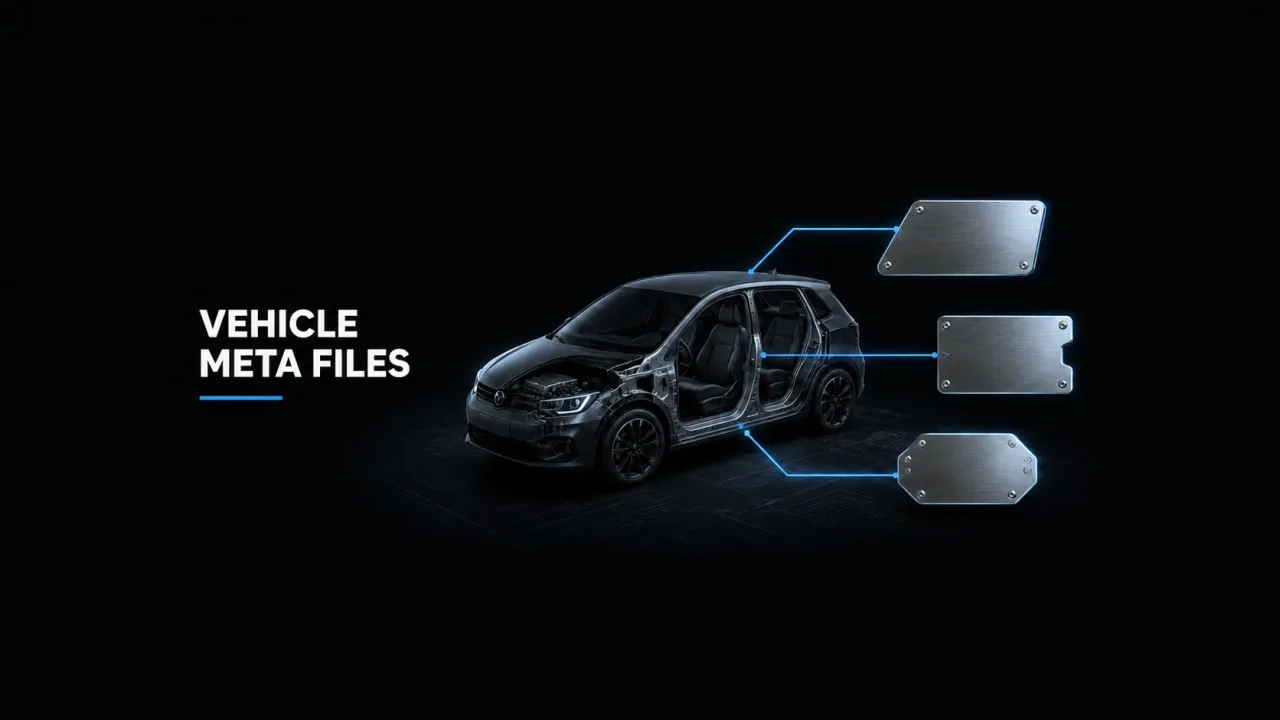
Nine times out of ten, a “broken” FiveM car is a healthy model wired up wrong - and the wiring lives in FiveM vehicles.meta, carcols.meta and carvariations.meta. Learn to read those three files and you can trace almost every install fault to a single line: the car that won’t spawn, the tuning menu with no parts, the pack that only comes in black. This guide walks through what each file owns, how the spawn name threads through all of them, and which symptom points at which file.
What each meta file actually does
vehicles.meta registers the vehicle with the game: model, textures, handling reference, audio, class. carcols.meta defines mod kits (tuning parts), custom light setups and siren patterns. carvariations.meta decides how each spawn looks: colour combinations, liveries, which kit and light settings apply. handling.meta holds the physics, and a text file supplies the display name.
The split matters because the files fail differently. A bad vehicles.meta kills the car entirely; a bad carvariations.meta still spawns it, just wrong. Keeping that separation in your head is what turns “the car pack is broken” into a two-minute diagnosis.
vehicles.meta: the vehicle’s identity card
Every entry in vehicles.meta is one vehicle, and five fields do most of the work. modelName is the spawn name - it must match the .yft filename in your stream folder exactly. txdName points at the texture dictionary (.ytd), usually the same string. handlingId names which handlingName entry in handling.meta the car borrows its physics from - that’s the whole link, and tuning those values is its own topic. gameName is the text key the HUD uses to look up the display name. audioNameHash tells the car whose engine sounds to borrow when it has no sound bank of its own.
Beyond those, vehicleMakeName sets the manufacturer badge, type and vehicleClass control how scripts and the game categorise it, and lodDistances governs when detail levels swap. Most install problems never touch these - it’s the five naming fields where things go sideways.
How the spawn name threads through every file
The spawn name defined in modelName has to reappear, letter for letter, in four other places: the .yft and .ytd filenames in stream/, the modelName field of the car’s carvariations.meta entry, and (by convention, not requirement) the gameName and handlingId. The game hashes the string, so Sultan_RS and sultan_rs resolve the same - but a stray space or typo doesn’t.
This is why renaming a car is never a one-file edit. Change the spawn name and you’re renaming the model files, updating vehicles.meta, updating carvariations.meta, and checking any job or garage script that spawns it by name. Half the “car worked yesterday” tickets on a server come from someone renaming a vehicle in one file and not the other three.
carcols.meta: mod kits, sirens and light settings
A mod kit in carcols.meta is what makes tuning parts exist. Each kit has a kitName like 1000_sultanrs_modkit and an id value - and the number in the name must match the number in the ID. Inside the kit, visibleMods entries map each spoiler, bumper and skirt component in the model to a tuning slot, which is what the mod shop menu reads.
The same file carries Lights entries (custom headlight and taillight configurations, referenced by numeric ID) and Sirens entries for emergency vehicles - rotation patterns, colours and sequences, again keyed by ID. None of it applies to a car by itself: carvariations.meta has to point at these IDs before the game uses them.
Duplicate mod kit IDs: why tuning parts jump between cars
Mod kit IDs are a shared global space. The base game reserves roughly the first 1,024 slots (IDs 0-1023), and while FiveM raised the ceiling to 65,535, every kit on the server still needs a unique number. Two add-on cars shipping with the same ID - usually because both authors copied the same template and left 1000 in place - means the game attaches one car’s kit to both models.
The symptoms are unmistakable once you’ve seen them: a sedan’s bumpers listed in the mod shop for a truck, tuning parts floating detached from the body, or a menu with no parts at all. The fix is picking a unique number and changing it in three places: the kitName prefix in carcols.meta, the id value beside it, and the matching kits item in carvariations.meta. Miss one and the kit silently stops resolving. On a server with a hundred add-on vehicles, don’t audit by hand - open-source conflict scanners will sweep your whole resources/ folder and report every clashing modkit, light and siren ID in seconds.
carvariations.meta: the colours your car actually spawns with
Each colors item in carvariations.meta is one combination the game can pick at spawn, written as a char array of palette indices: primary, secondary, pearlescent, wheel colour, and on newer entries interior and dashboard trim. The numbers index the shared game palette - 27 is a red, 134 a white, 156 the default grey - so a car “that only spawns black” almost always means its variations entry never loaded and the game fell back to index 0.
The same entry carries the rest of the car’s appearance wiring: kits names the mod kit from carcols.meta (or 0_default_modkit for stock), lightSettings and sirenSettings reference light and siren IDs by number, and liveries exposes twelve boolean slots. Only flag a livery true if the texture actually exists - enabling empty slots is a known crash source, not a cosmetic bug.
Display names: gameName, dlctext and the NULL badge
When a player enters a car and the corner of the screen says NULL, nothing is broken in the model - the game looked up the gameName text key and found no entry. You can supply one two ways. The data-file route ships a compiled .gxt2 registered through data_file 'DLC_TEXT_FILE', which is how DLC-style packs do it. The pragmatic route is one line in a client script: AddTextEntry('sultanrs', 'Sultan RS Classic'). Most servers use the script route because it’s editable without recompiling anything - and it’s worth doing, since NULL badges in a car dealer UI read as broken merchandise to players.
fxmanifest load order and the symptom-to-file cheat sheet
None of these files load themselves. Each one needs two lines in fxmanifest.lua: an entry in files so the file streams to clients, and a data_file declaration so the game mounts it. Forget the first and the second fails silently - no error, the car just misbehaves.
`files {
 'handling.meta',
 'vehicles.meta',
 'carcols.meta',
 'carvariations.meta'
}

data_file 'HANDLING_FILE' 'handling.meta'
data_file 'VEHICLE_METADATA_FILE' 'vehicles.meta'
data_file 'CARCOLS_FILE' 'carcols.meta'
data_file 'VEHICLE_VARIATION_FILE' 'carvariations.meta'`
Keep CARCOLS_FILE above VEHICLE_VARIATION_FILE: variations reference kits by name, so the kit definitions should be mounted first. With that in place, faults map cleanly to files:
- Won’t spawn / “model not found”:
vehicles.metanot mounted, ormodelNamedoesn’t match the.yft. Garage scripts with a fallback will hand out their default car instead - the classic surprise Adder.
- Spawns invisible: the meta registered but the model files didn’t stream - check filenames in
stream/and for duplicate spawn names across resources.
- Untextured or matte grey panels:
txdNamedoesn’t match the.ytd.
- No tuning parts, or the wrong car’s parts: mod kit ID conflict, or the
kitsentry incarvariations.metadoesn’t match thekitNameincarcols.meta.
- Always black, or one colour only:
carvariations.metamissing, unmounted, or itsmodelNameis misspelled.
- NULL display name: no text entry for the
gameNamekey.
Work through installs with that map and meta files stop being folklore - they’re just a routing table between a model and the game. If you’re growing the garage itself, there’s a full catalogue of FiveM-ready vehicles and assets at assets-tebex.io, server resources and scripts to pair them with at cfx-tebex.store, and the wider storefront at buy-tebex.io - everything ships with its meta files already wired, which after this article you’ll be able to verify yourself.