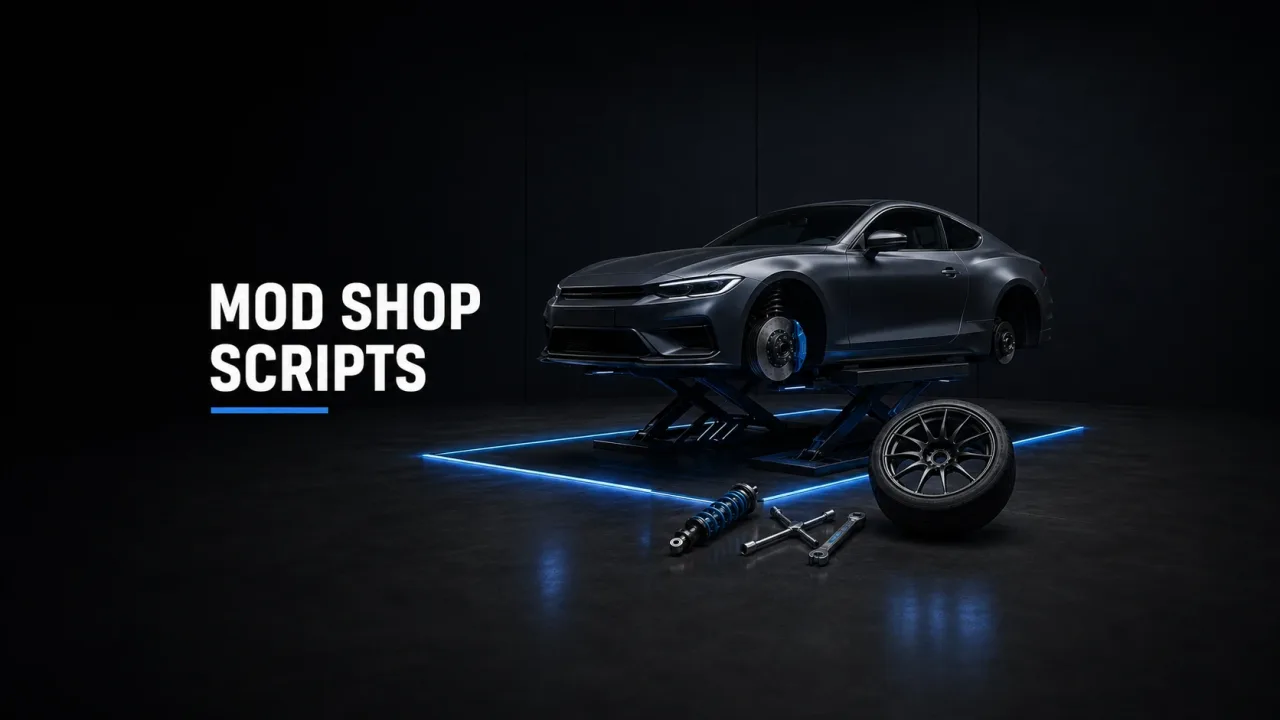
Every long-running city has one building with a permanent queue outside, and it isn’t the bank - it’s the customs shop. A good FiveM mod shop script is the most reliable money sink you can install: players line up to hand back the cash your paychecks print, and they leave happier than they arrived. A bad one eats their upgrades on the next restart and files a support ticket for every spoiler it forgets. The difference between the two is almost never the menu design. It’s the plumbing underneath - mod kits, property serialization and pricing - and that plumbing is what this guide covers.
Under the hood: the natives every tuning menu wraps
Strip away the fancy camera work and every LSCustoms-style resource is a wrapper around the same handful of natives from the FiveM natives reference. The one everyone forgets first: SetVehicleModKit(vehicle, 0). Until a mod kit is set, SetVehicleMod silently does nothing - no error, no warning, just a menu that pretends to work while the car stays stock. If a freshly installed tuning script “doesn’t apply anything”, check for this call before you open a refund ticket.
From there it’s enumerate, then apply. GetNumVehicleMods(vehicle, modType) reports how many options a slot holds for this specific model - a tuner car might return five spoilers where a beater returns zero - and SetVehicleMod(vehicle, modType, index, customTires) fits one, with index -1 meaning stock. The slots are numbered: 0 is spoilers, 4 exhausts, 7 hoods, 11 engine, 12 brakes, 13 transmission, 15 suspension, 16 armour, 48 livery, while the mid-20s through mid-40s hold the Benny’s interior slots (seats, steering wheels, hydraulics) that only vehicles with a full tuner kit expose. Toggles live in their own native: ToggleVehicleMod flips turbo (18), tire smoke (20) and xenon headlights (22).
Wheels are the trap. SetVehicleWheelType(vehicle, type) selects the category - 0 Sport through 7 High End, 8 and 9 for the Benny’s sets, plus the newer Street and Track types - and changing the type resets whatever rim was fitted. A menu has to set the wheel type first and the wheel mod (slot 23) second, or players get random rims on every visit. One more gotcha: if GetNumVehicleMods returns zero across every slot on an add-on car, the model shipped without a proper mod kit in its carcols.meta - or two packs are fighting over the same mod kit ID, which is also how a sports sedan ends up offered another car’s bumpers. No tuning script can fix that. It’s a vehicle-file problem, and it belongs on the vehicle developer’s desk.
Cosmetics sell identity, performance sells speed - balance them differently
Cosmetic slots are free candy for your economy. A livery, a hood or a bumper changes nothing about how the car drives, so you can price them however you want with zero balance risk. Players will pay absurd money to make a car theirs, and every dollar of it is a clean sink.
Performance slots are a different animal. Engine, brakes, transmission, suspension and turbo stack multipliers on top of the car’s handling.meta, which means a fully built mid-tier sports car will happily embarrass a stock supercar. If you spent weeks building a price ladder from beater to endgame, an unrestricted tuning menu flattens it in one busy Saturday.
Three levers keep it sane. First, cap performance levels per class in config, so not every hatchback gets a level-4 engine and a turbo. Second, price performance as a percentage of the car’s sticker rather than a flat figure - more on that below. Third, gate the top tier behind something scarcer than money: a mechanic job, rare parts, or a build budget. CW Tuning’s score system is the cleanest prior art here - each vehicle gets a tuning budget and each part costs points against it, so per-car build limits are enforced by design instead of by admin eyeballs.
Menu, parts or job: the three shop models
Mod shop scripts come in three shapes: open menus where anyone drives in and pays (the classic qb-customs pattern), parts-based systems where upgrades are inventory items installed on the car (CW Tuning), and job-gated shops where only employed mechanics can wrench (T1GER-style tuner systems). Pick by how much roleplay you want per horsepower.
Hybrids are common and usually right: cosmetics self-service at an open menu, performance work locked to the mechanic job. That keeps the shop busy at 4 a.m. without letting a lone insomniac build a race car unsupervised.
How upgrades actually persist (and why they sometimes don’t)
Mod shops don’t save upgrades piecemeal. The standard pattern serializes the entire car - every mod slot, colours, neons, tint, extras - into one properties table via QBCore.Functions.GetVehicleProperties or ox_lib’s lib.getVehicleProperties, JSON-encodes it, and writes it to the owned-vehicles row: the mods column in player_vehicles on QBCore, the vehicle column in owned_vehicles on ESX. When the garage respawns the car it runs the mirror image: create the entity, then set the properties back.
The classic failure mode is a tuning script that applies mods client-side and trusts the garage to save them later. Player tunes the car, drives it around, server restarts before they park - upgrades gone, ticket filed, trust dented. The fix is boring and non-negotiable: save on transaction. The moment money changes hands, the script should pull fresh properties and write the row itself, not hope another resource does it at park time.
Two quieter killers live in the plate. Every save in this ecosystem is keyed on the licence plate, and GTA pads plates to eight characters with spaces - one script trimming whitespace while another doesn’t means orphaned rows and “my car lost its mods” reports that no amount of log-reading explains. And if you sell custom plate changes, that feature must update every table keyed on the old plate, or the garage simply loses the car. [switches to serious face] Audit this before launch, not after the first plate-change weekend.
On the performance side, the modern approach tracks fitted upgrades in statebags - CW Tuning popularised this - so nothing polls in a loop, resmon stays flat, and late-joining players receive the vehicle’s state automatically instead of seeing a stock car until it resyncs.
Pricing the menu without wrecking your economy
Flat global prices are the most common config sin. If a full performance build costs the same on a $12k beater as on a $250k super, one of those numbers is wrong for your economy. Scale prices from the car’s purchase value: a maxed performance build should cost a meaningful fraction of the sticker - if a $150k car maxes out for $8k, tuning is a rounding error, not a sink.
Three more rules from servers that learned them the expensive way. Route a labour cut to the shop’s society or business account so player-run garages actually earn. Keep the customs repair price above what a player mechanic charges, or the menu quietly kills your mechanic job. And make previews free but charge per applied change - with cancel logic that genuinely reverts the mods to their stored indexes, because “cancel” that closes the menu and leaves the free spoiler on is a duplication exploit with extra steps.
Where the mod shop sits between the dealership and the garage
A mod shop never works alone. The dealership inserts the vehicle row, the tuning script updates it, the garage reads it back - three resources, one source of truth. The single most valuable compatibility check before buying is whether all three speak the same properties format; a dealership that writes one schema and a tuner that expects another produces cars that spawn stock forever. If you’re assembling the chain from scratch, the dealership and garage scripts on scripts-tebex.io pair naturally with a standard-properties tuner, and add-on car packs from cfxcars-tebex.io ship with the working mod kits that make the menu worth opening in the first place.
Location matters more than owners expect, too. A tuning menu triggered in a parking lot works; the same menu inside a proper mechanic shop MLO from assets-tebex.io with a lift, tool walls and a waiting area turns the transaction into a hangout - and hangouts are what keep the queue outside the shop instead of outside your competitor’s city.
The pre-purchase checklist
- Saves through your framework’s standard vehicle-properties functions, so the garage can read what the tuner writes
- Bridges ESX, QBCore and QBox (ox_lib-based scripts usually cover all three)
- Handles cars with no mod kit gracefully - hides empty slots instead of rendering a blank menu
- Per-class price multipliers and performance caps exposed in config, not hardcoded
- Event- or statebag-driven, with no permanent tick loop inflating resmon
- Preview camera with a cancel path that actually reverts every change
Get the plumbing right and the mod shop becomes the social hub every server wants: a place players return to weekly, spending money you wanted removed from the economy anyway, on cars they’ll show off at the next meet. Get it wrong and you’ll know soon enough - that queue outside the shop relocates to your support channel, and nobody tips there.