Vehicle persistence is where most RP servers bleed trust. A player spends thirty minutes customizing a car, the server restarts, and the vehicle either vanishes or respawns across the map from where it was left. Getting this right is less about picking the flashiest garage script and more about understanding the data flow from the moment a player parks to the moment they log back in. Here’s how it actually works and where the common setups go wrong.
What “Persistence” Actually Means in a Garage Context
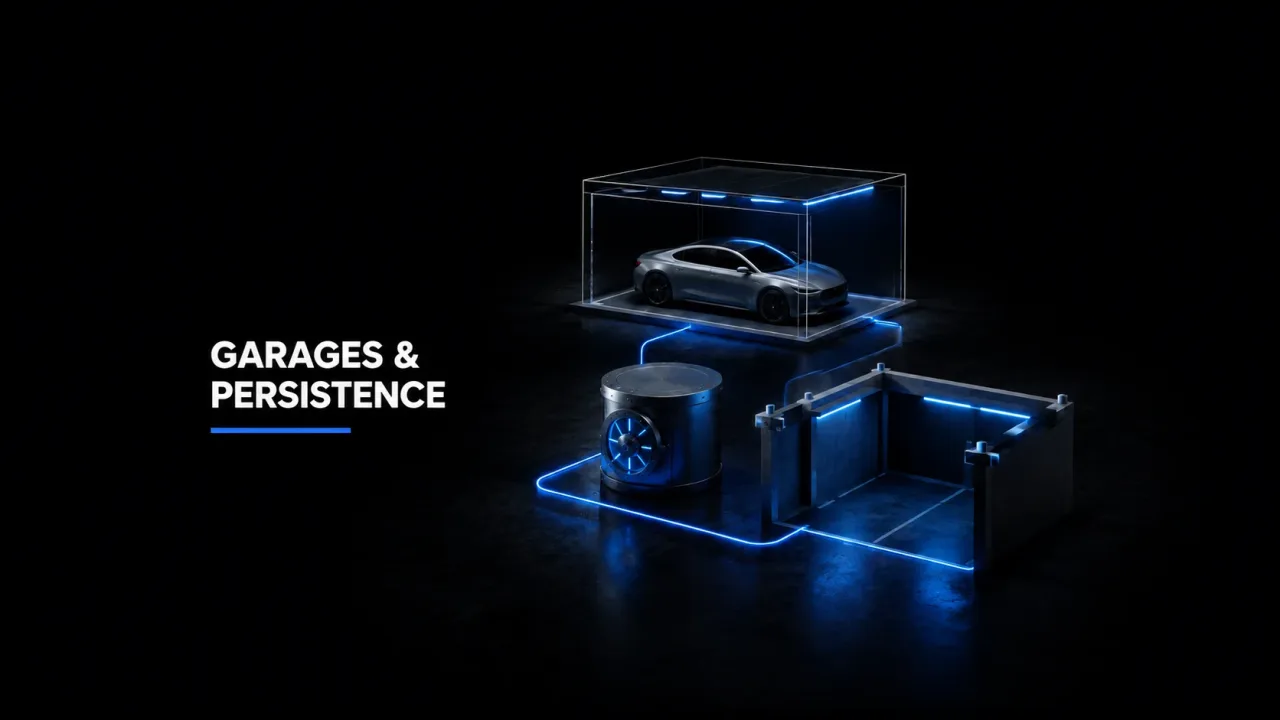
A garage script stores vehicle data in one of two ways: it either writes to the database on explicit player action (retrieving, storing) or it autosaves the vehicle’s current state on an interval or on character logout. The second approach - world persistence, where a car stays where you parked it - is technically harder. Most scripts default to the first model: the vehicle only exists in the world when explicitly spawned from a garage menu, and it disappears back into the database when stored or when the player disconnects.
In ESX this typically means an owned_vehicles table with columns for plate, owner, model, vehicle (a JSON blob of modifications, extras, livery, and colour), a stored boolean, and a garage column identifying which location holds it. QBCore uses a similar player_vehicles table. The JSON blob is what makes or breaks the experience - if a script serialises the full GetVehiclePropertiesKVP output, it captures every tuning component, tint, and neon setting. Scripts that only store model and colour will frustrate anyone who paid for a full tune.
Spawn Points and the Stacking Problem
Every garage has defined spawn coordinates and a heading. When ten players retrieve vehicles from the same public garage simultaneously, bad scripts stack them on one point and trigger physics chaos. Well-built garage resources cycle through a spawn queue - they check for any entity already occupying the spawn location before placing the next vehicle, and they offset the coordinate by a configurable distance if the slot is blocked. If you’re seeing players clip into each other’s cars on retrieval, the spawn logic almost certainly has no entity collision check.
The heading matters more than most server owners realise. A vehicle spawned facing the wrong direction in a tight garage interior will force the player to reverse blind, or clip a wall and trigger a damage event. Store correct heading in your database row. Some scripts omit it, storing only x, y, z - that’s a setup error worth fixing at the database level before you have 300 owned cars in the wrong orientation.
Recommended lore-friendly vehicles for your server
Impound Systems: The Moving Parts
An impound is a garage with extra state. Vehicles enter it via two paths: a cop-initiated impound action (a menu call that updates the vehicle’s garage column in the database and sets a release fee), or automatic impound when an unoccupied vehicle is found in a non-garage zone after a configurable timeout. The second path requires a server-side loop scanning the world for vehicles with no occupants past the time threshold - run this carelessly and you’re adding a tick cost to the server regardless of player count.
The fee and release mechanics split into two design choices. Self-release lets a player pay at a physical impound lot to retrieve their car with no police interaction - useful on servers where cops are thin on the ground. Faction-locked release requires an on-duty officer to authorise it and optionally attach an expiry date to the hold. Both models need a status flag in the database row. A common mistake is storing the impound reason only in memory, so a server restart loses the reason and the hold, effectively auto-releasing every impounded vehicle.
Job and Gang Garages
Job garages restrict vehicle retrieval by the player’s active job and grade. The check happens server-side on the retrieval callback - never trust a client-side menu filter alone, since it can be spoofed. Gang garages follow the same pattern but check gang membership instead of job. A well-configured gang garage ties into the server’s gang data source: QBCore’s QBCore.Functions.GetPlayerData().gang, or an equivalent shared object in ESX. If you’re wiring a custom garage to a gang system, make sure the membership check queries the current session data, not a cached value from login that may have gone stale if the player switched gangs mid-session.
House garages introduce a property ownership check on top - the player must own the property and have the garage slot unlocked. Some house scripts expose an export to query slot count; garage scripts that don’t call this export will either always grant access or always deny it, depending on how they handle a missing export response.
Where Servers Get Persistence Wrong
- No autosave on logout: Vehicle modifications made after the last explicit store action are lost if the player disconnects without storing. Hook into the character save event and write vehicle properties at that point.
- Duplicate plates: Scripts that generate plates without a uniqueness check against the database allow two vehicles with the same plate, which breaks any system using plate as a primary lookup key. Enforce a UNIQUE constraint at the DB level.
- Impound state lost on restart: Storing impound status only in a runtime table means reboots silently release every held vehicle. Persist the impound flag, reason, and release timestamp to the DB row - not to a global table.
- Garage zone conflicts: If your garage zone overlaps a high-traffic area (a fuel station, a clothing store), vehicles can get auto-stored by the zone entry handler while a player is still inside them. Tighten zone radii and add an occupant check before triggering any storage action.
Choosing a Garage Script
For servers running 50+ players, the minimum bar is: database persistence with full vehicle properties JSON, spawn-point collision checking, server-side ownership validation on every retrieval, and a proper impound state that survives restarts. Beyond those four, the feature set is server-taste - showrooms, air hangars, boat harbours, fake plate systems. They’re nice but they don’t fix a flawed persistence core.
If you’re building a vehicle-heavy server - dedicated car RP, racing events, collector economies - it’s worth reviewing the vehicle mod catalogue at buy-tebex.io alongside the garage script, since the persistence approach matters most when players are storing highly customised vehicles they care about. For scripts that interact with QBCore’s gang and job layers to gate garage access, qb-tebex.io has resources built to those patterns. And for the actual vehicle assets you’re storing - custom spawncodes, real addon model names - the inventory at assets-tebex.io is worth cross-referencing so your garage config uses the correct model strings from the start.