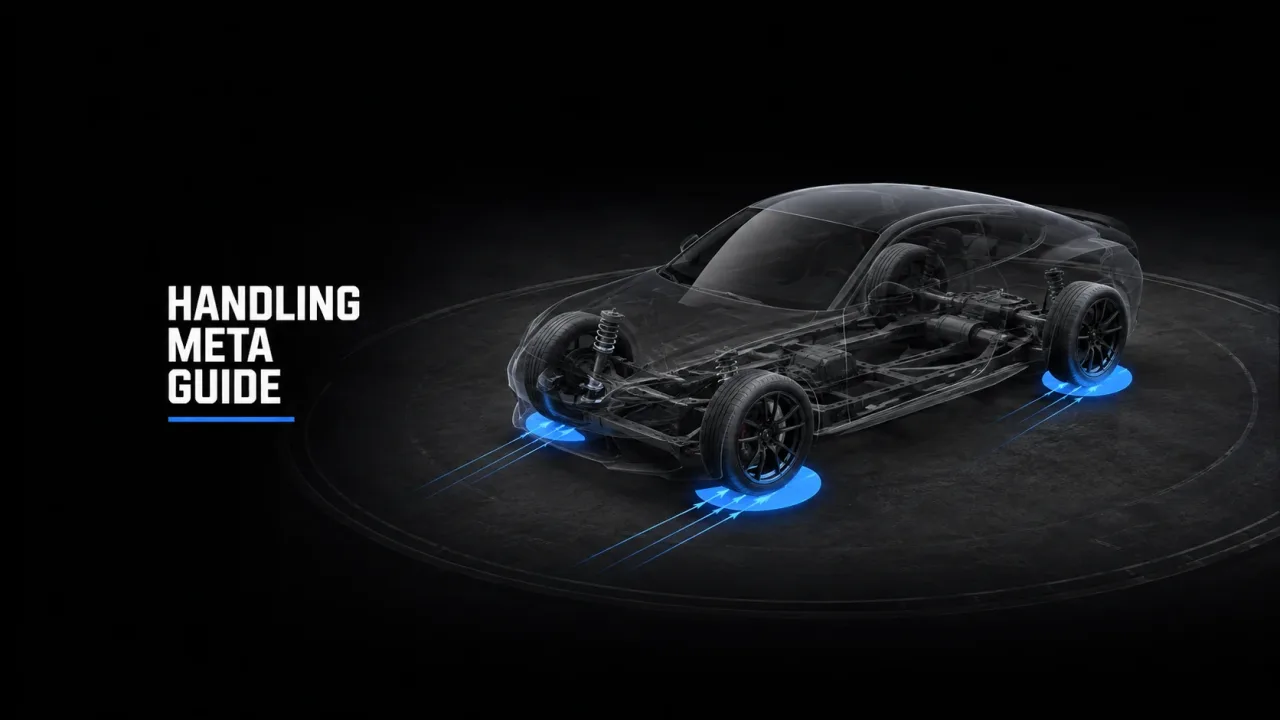
Every add-on car you stream ships with a handling.meta, and most of the complaints you’ll ever get about a vehicle - “it understeers into walls”, “the brakes are made of butter”, “it does 250 and nobody can catch it” - trace back to values in that one file. The good news: you don’t need to be a physics programmer to fix them. You need to understand what each field actually does and change them one at a time. Here’s the working knowledge.
Recommended lore-friendly vehicles for your server
Where Handling Lives
In an add-on vehicle resource, handling.meta sits in the same data folder as vehicles.meta and carcols.meta, referenced by the resource’s fxmanifest.lua as a data_file 'HANDLING_FILE'. Each vehicle has a <Item> block keyed by a <handlingName> that vehicles.meta points to. Edit the block for that handling name, restart the resource (a full client reconnect is safest for handling changes), and you’re testing.
The Fields That Actually Matter
Ignore the dozens of fields that rarely need touching and learn these:
fMass- the car’s weight in kg. Heavier cars feel planted and shrug off small hits but accelerate and stop slower. This value also decides who wins a collision, so don’t set a hatchback to 3000kg “for grip” - you’ll turn it into a wrecking ball.
fInitialDriveForce- the single biggest lever for acceleration and top speed. More force = quicker and faster. This is where most “too fast” problems come from. Small changes go a long way; nudge it, don’t double it.
fDriveBiasFront- drivetrain split.0.0= pure RWD,1.0= pure FWD, anything between is AWD.0.5is even AWD. This single value decides how the car puts power down and how it behaves on throttle.
fTractionCurveMax/fTractionCurveMin- peak grip and grip at the limit.Maxis how much the tyres hold when you’re driving cleanly;Minis what’s left once they’re sliding. RaiseMaxfor more cornering grip; widen the gap toMinfor a car that’s grippy until it suddenly lets go.
fBrakeForce- braking power. Too low and the car won’t stop; too high and the wheels lock and players spin under braking. Tune this againstfMass- a heavy car needs more.
nInitialDriveGears- number of gearbox ratios. More gears generally smooths acceleration and can raise effective top speed delivery. Six is common for sports cars; don’t go wild here.
fSuspensionForce,fSuspensionCompDamp,fSuspensionReboundDamp, plus the height/raise fields - how stiff and how high the car sits. Stiffer suspension reduces body roll and helps cornering but makes the car skittish over bumps. This is also where “flips for no reason at speed” usually hides.
fInitialDragCoeff- aerodynamic drag. Higher drag caps top speed sooner; lower drag lets the car keep pulling. A clean way to limit top speed without gutting acceleration is to raise drag rather than slash drive force.
Tuning for Specific Behaviours
More top speed without making it a missile: nudge fInitialDriveForce up slightly and lower fInitialDragCoeff a touch. If you want quick-but-capped, do the opposite on drag - let it accelerate but pull it back up top.
More grip / less sliding: raise fTractionCurveMax first. If the car still slides under power, check the drive bias - a heavily RWD car with high force will spin its rears no matter how much grip you add.
Better braking: raise fBrakeForce, but if players report locking up and spinning, the issue is usually too much brake for the mass - back it off rather than piling on more.
Sharper acceleration: fInitialDriveForce is the lever; nInitialDriveGears and gear ratios fine-tune how that force is delivered.
FWD vs RWD vs AWD
This is all fDriveBiasFront. A front-wheel-drive economy car should sit around 0.8-1.0 - it’ll pull from the front and understeer when pushed. A rear-drive muscle car or drift build sits at 0.0 and will happily step the back out. Performance AWD cars live around 0.3-0.5, putting more bias rearward for feel while keeping front traction for launches. Match the bias to what the real car is, and the rest of your tuning will feel natural instead of fighting the drivetrain.
Don’t Break Server Balance - or the Car
Two failure modes to avoid. The first is the undriveable car: zeroed or extreme values (mass at 500kg with huge drive force, traction max below traction min, brake force cranked to lock the wheels) produce cars that flip, won’t turn, or spin under braking. Change one field, test, change the next. The second is balance creep: if every car you tune ends up faster and grippier than the last, your police can’t catch anyone and your dealership economy collapses. Decide on a performance ceiling for each class - economy, sports, super - and tune toward it, not past it.
Testing Methodically
Test on a dev server, not live. Change one value, reconnect, and drive a fixed loop: a straight for top speed and acceleration, a sweeping corner for grip, and a hard stop for braking. Keep notes on the exact numbers you changed so you can roll back. Resist the urge to edit five fields at once - when something breaks you won’t know which one did it. Slow is fast here.
Where to Get Cars Worth Tuning
Tuning is far easier when you start from a well-built model with sane base values rather than fighting a sloppy free rip. For add-on vehicles with handling already in the right ballpark, browse assets-tebex.io. If you’re running a QBCore framework and want vehicles that drop in alongside your job and dealer scripts, see qb-tebex.io. And for a broader catalogue of cars to build your dealership and police fleet around, store-tebex.io is worth a look. Start from a good base, then make the handling yours.
The Short Version
handling.meta is where a car earns its reputation. Learn fMass, fInitialDriveForce, fDriveBiasFront, the traction curve, fBrakeForce, the suspension block, and fInitialDragCoeff, and you can dial in grip, braking, top speed and drivetrain feel without breaking the car or your server’s balance. Change one field at a time, test a fixed loop, keep notes, and tune toward a class ceiling - not past it.