 88
88
FiveM vehicle category
ONX FiveM Vehicles for a Connected Fleet
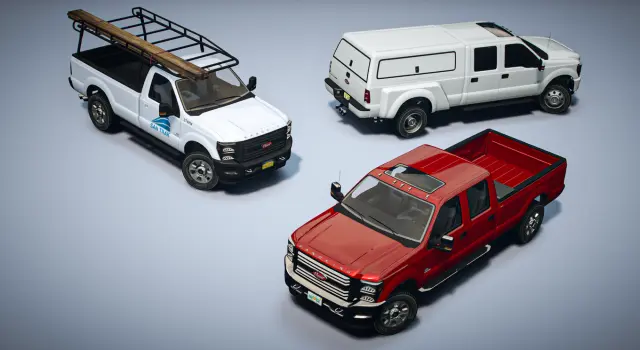
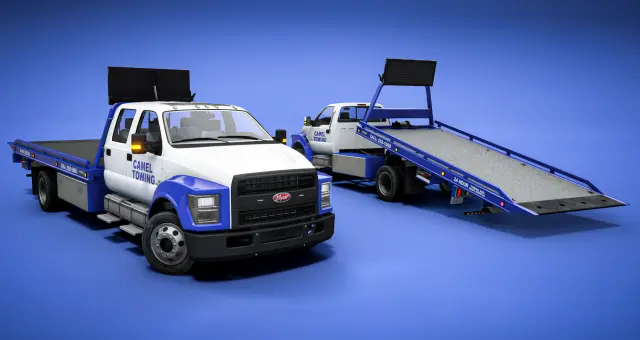
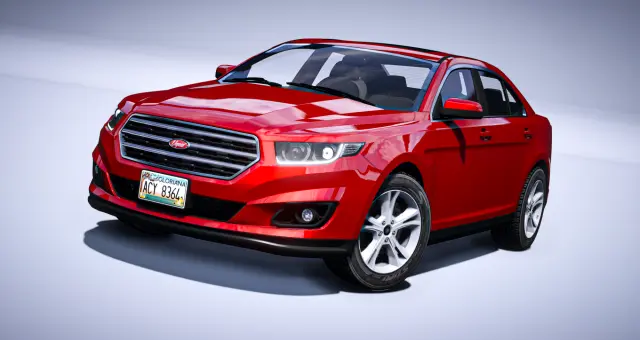
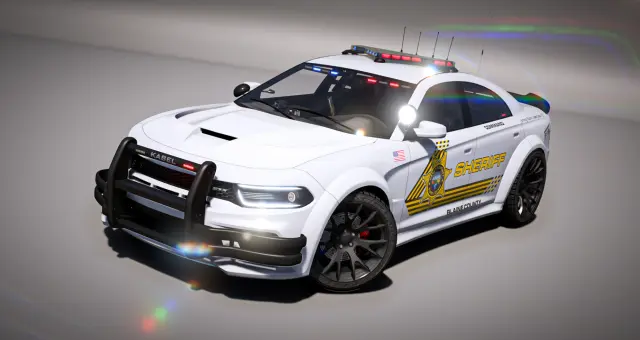
The ONX collection is useful when a server needs more than one impressive car. Its listings span civilian traffic, emergency departments, work vehicles, off-road builds and aircraft, giving owners a way to plan several roles around a related visual language.
 61
61
 67
67
 32
32
 78
78
 23
23
 30
30
 53
53
 76
76
Treat ONX as a fleet system
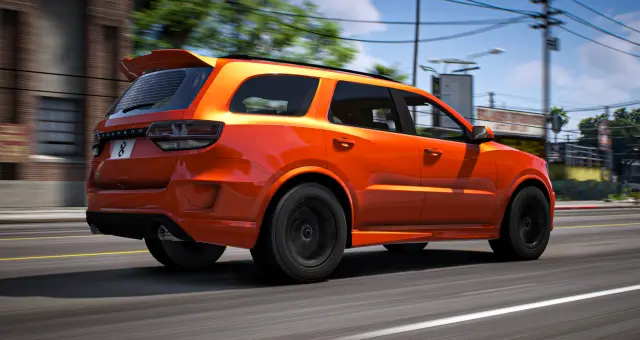
The practical reason to browse one creator collection is consistency. A police sedan, sheriff pickup, ambulance and civilian SUV built around compatible styling are easier to present as one world than vehicles selected independently from unrelated packs. The ONX listings in this catalog cover broad civilian and emergency roles, including free everyday vehicles, modular patrol builds, overland pickups, vans and helicopters.
That range does not mean every server needs the whole collection. Start with the department or dealership that looks least coherent today. Replace or expand one role, prove the installation and customization workflow, then carry the visual language into the next fleet.
Plan around shared options
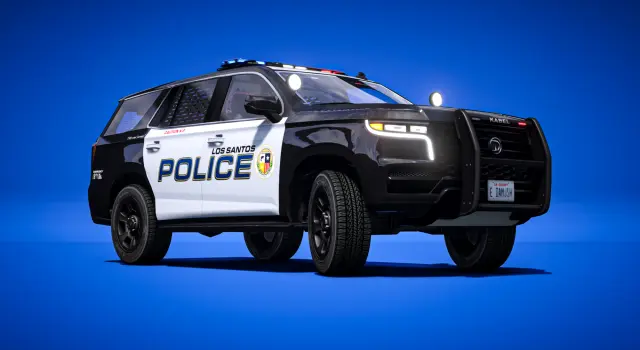
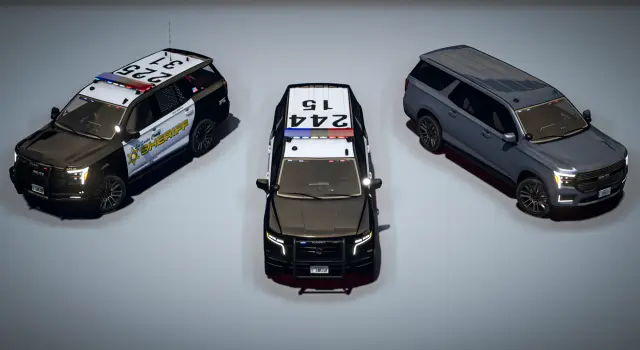
Many ONX emergency listings advertise large tuning libraries, labeled extras, livery support, configurable callsigns or parts that let one base vehicle serve several units. Those systems can reduce the need for a separate model for every patrol configuration. They also make the setup test more important. Confirm that your vehicle menu exposes the intended categories and that staff can reproduce approved builds without memorizing numeric extras.
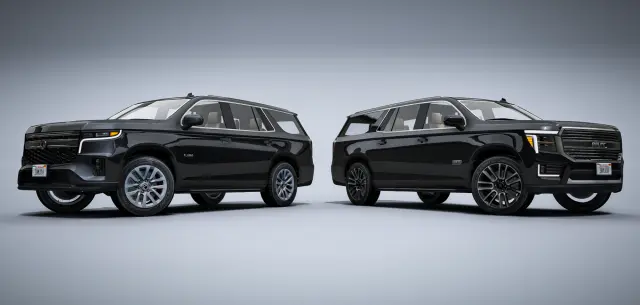
For civilian listings, focus on the opposite question: does the car look ordinary enough to populate a believable city? A grounded sedan, van or SUV often adds more daily value than another command-only interceptor. Mix accessible civilian stock with restricted department variants so players recognize a manufacturer across both sides of the roleplay world.
What to verify per product
- Included models and roles. Some listings contain one vehicle, while packs may include several variants or an entire department line.
- Lighting method. Emergency products in this catalog are commonly described as non-ELS, but confirm the exact listing and any companion controller or game-build requirement.
- Customization path. Determine which choices are standard mods, extras, liveries, callsigns or custom categories and whether your menu can reach them.
- Shared dependencies. Install common parts or support resources once and in the documented order. Do not duplicate a shared library inside every vehicle folder.
- Technical budget. Use published LOD, texture and model information where available, then test a mixed fleet rather than several copies of the lightest car.
- Licence and delivery. Follow the individual listing for portal entitlement, editable files, server limits, updates and support.
Build a department in layers
For law enforcement, begin with general patrol. Add a utility or rural unit only when the map and call types justify it, then add pursuit, transport and air roles around actual staffing. One modular vehicle configured three ways may serve a small department better than a dozen specialized units nobody is assigned to drive.
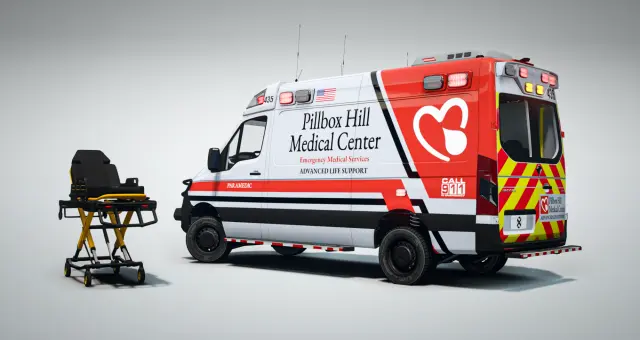
For EMS, test access to rear doors, patient compartments, seats and any gurney or moving feature. A visually matching ambulance is not operational until it works with the scripts and procedures your medics use. Air units need their own checks for seating, rotor clearance, landing locations and any rappel support named by the listing.
Compatibility and rollout
The model resources themselves normally sit below ESX, QBCore and Qbox. Framework integration happens when spawn codes enter dealerships, garages and job menus. Some advertised features may depend on a companion resource or a particular game build, so use the product requirements rather than assuming the entire creator collection has one dependency list.
Install and test one product family at a time. Purchase or assign vehicles through normal player flows, configure the allowed parts, store them, restart and retrieve them again. Check liveries and callsigns from another client's view. A connected fleet is valuable only when the shared systems make administration simpler as well as the vehicles looking related.
Questions about ONX
Quick answers
01What types of ONX FiveM vehicles are available here?+
The collection spans civilian cars and vans, police and EMS fleets, utility and off-road vehicles, trailers and aircraft. Exact contents and features are listed on each product page.
02Are all ONX emergency vehicles non-ELS?+
Many listings in this catalog are specifically described as non-ELS, but verify the individual product before purchase. Some lighting or customization features can require a companion resource or a particular game build.
03Do ONX vehicles work with ESX, QBCore and Qbox?+
The underlying vehicle resources are generally framework-independent. Add their spawn codes to your framework's dealership, garage or job configuration and follow any extra requirements shown on the listing.
04Can one ONX vehicle serve several departments?+
Some emergency listings advertise liveries, callsigns, extras and tuning parts for LEO, EMS, federal, corrections or unmarked configurations. Confirm the options on that product and restrict approved setups through your staff process.
05Should I install the entire ONX collection at once?+
A phased rollout is easier to test and balance. Start with one civilian or department family, verify its dependencies and persistence, then expand into related roles.
06What should I test after installing an ONX vehicle?+
Check every allowed mod, extra, livery, callsign, seat and moving part, then store and retrieve the configured vehicle after a restart. For emergency models, confirm lighting and synchronization from another player's view.